This release focuses on expanding platform connectivity, strengthening the XOAP Connector lifecycle, and advancing configuration management and image workflows. Key highlights include Azure Managed Identity support for image builds, connector log streaming, a redesigned getting started experience, new pricing and bundle management, and significant backend refactoring for scalability.
Configuration Management #
The configuration wizard has been refactored for improved usability and maintainability. Work is ongoing on styling, resource form handling, and navigation confirmation dialogs to deliver a more consistent experience.
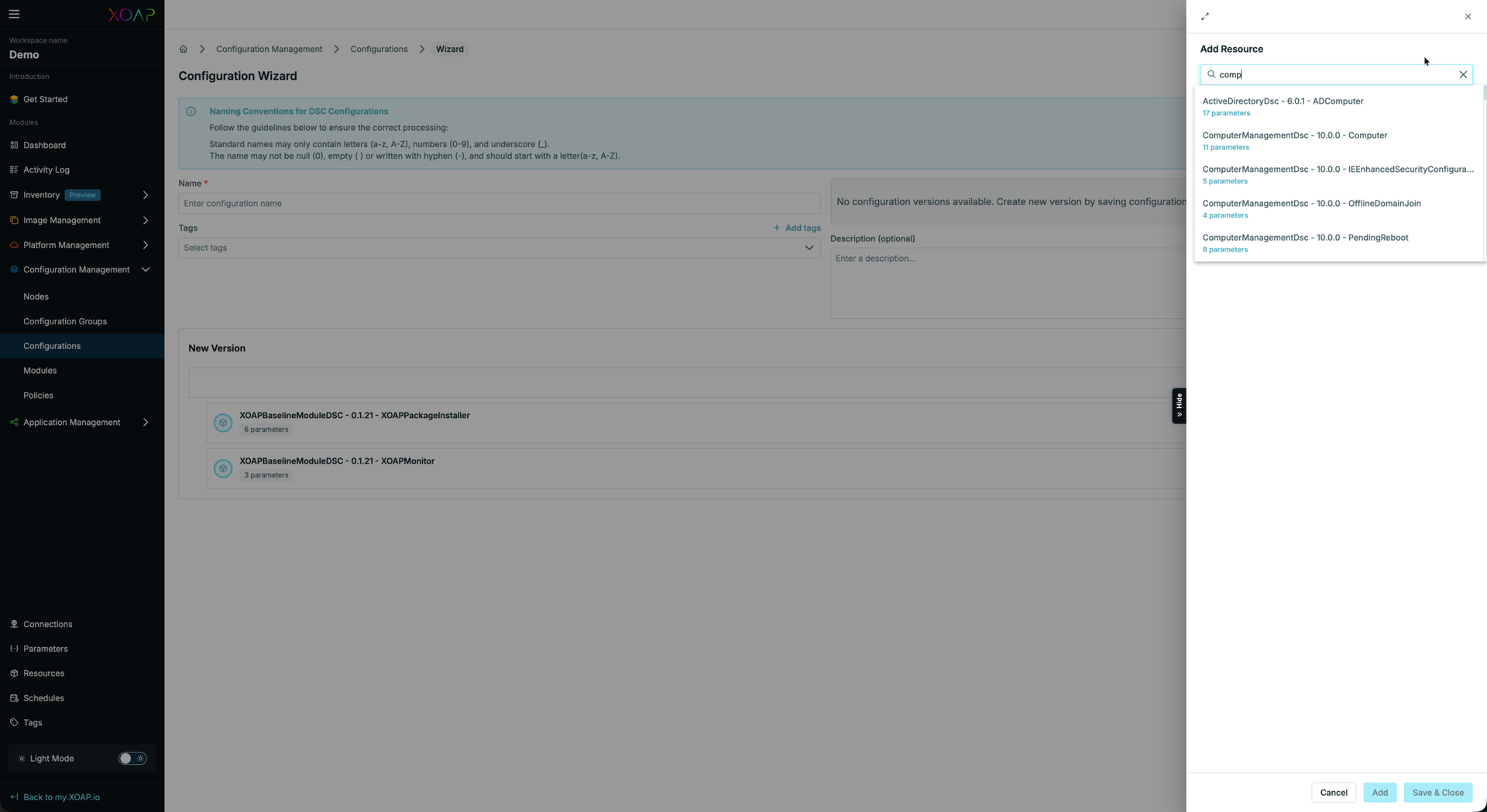
A new search functionality has been added to the resource list within Configuration Management, making it easier to locate specific resources in larger environments.
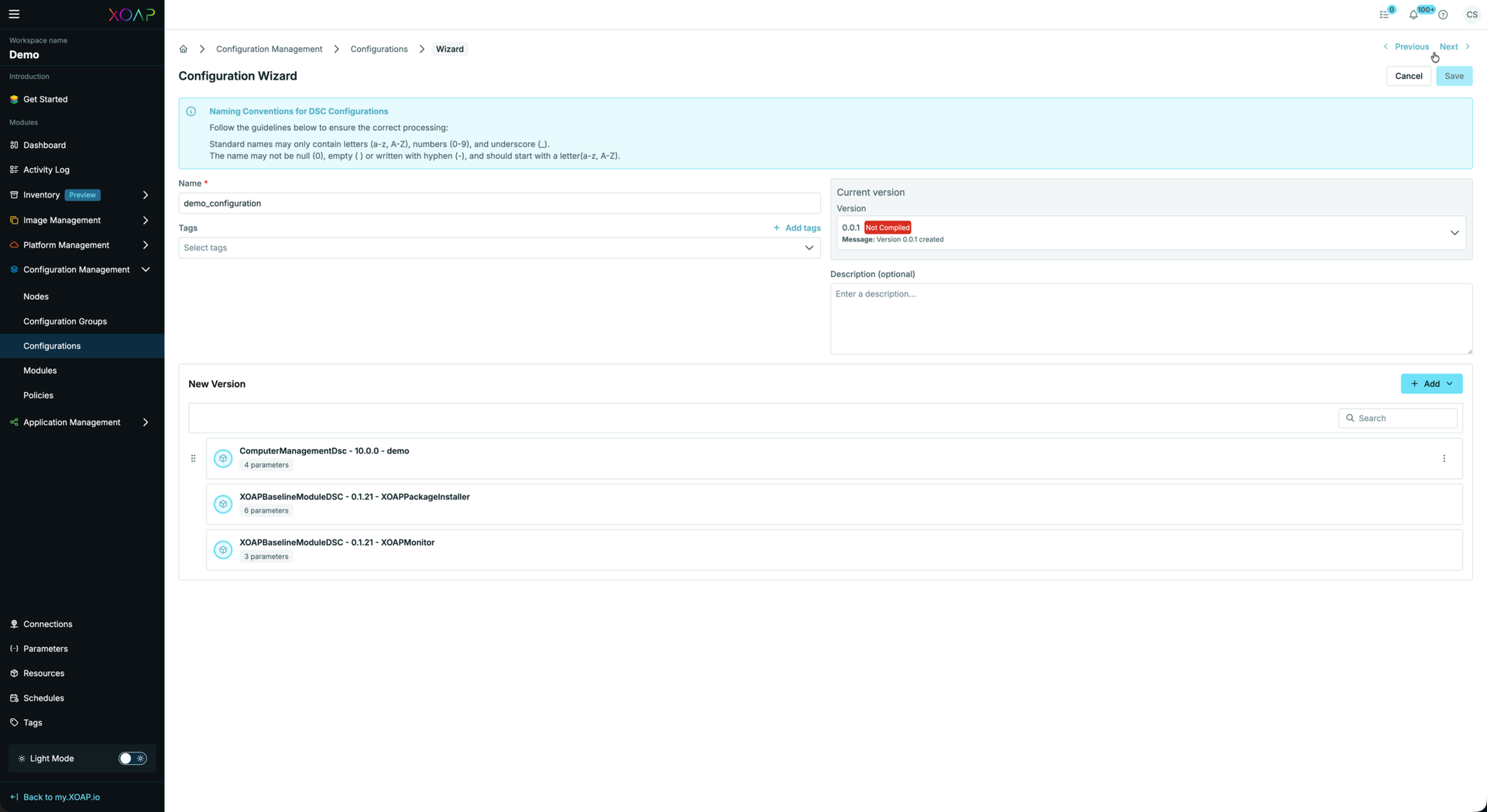
Compilation statuses are now surfaced directly in configuration views, and the save dialog has been updated to reflect current state more clearly.
Configuration version assignment has been re-implemented, resolving issues with downloading specific configuration versions.
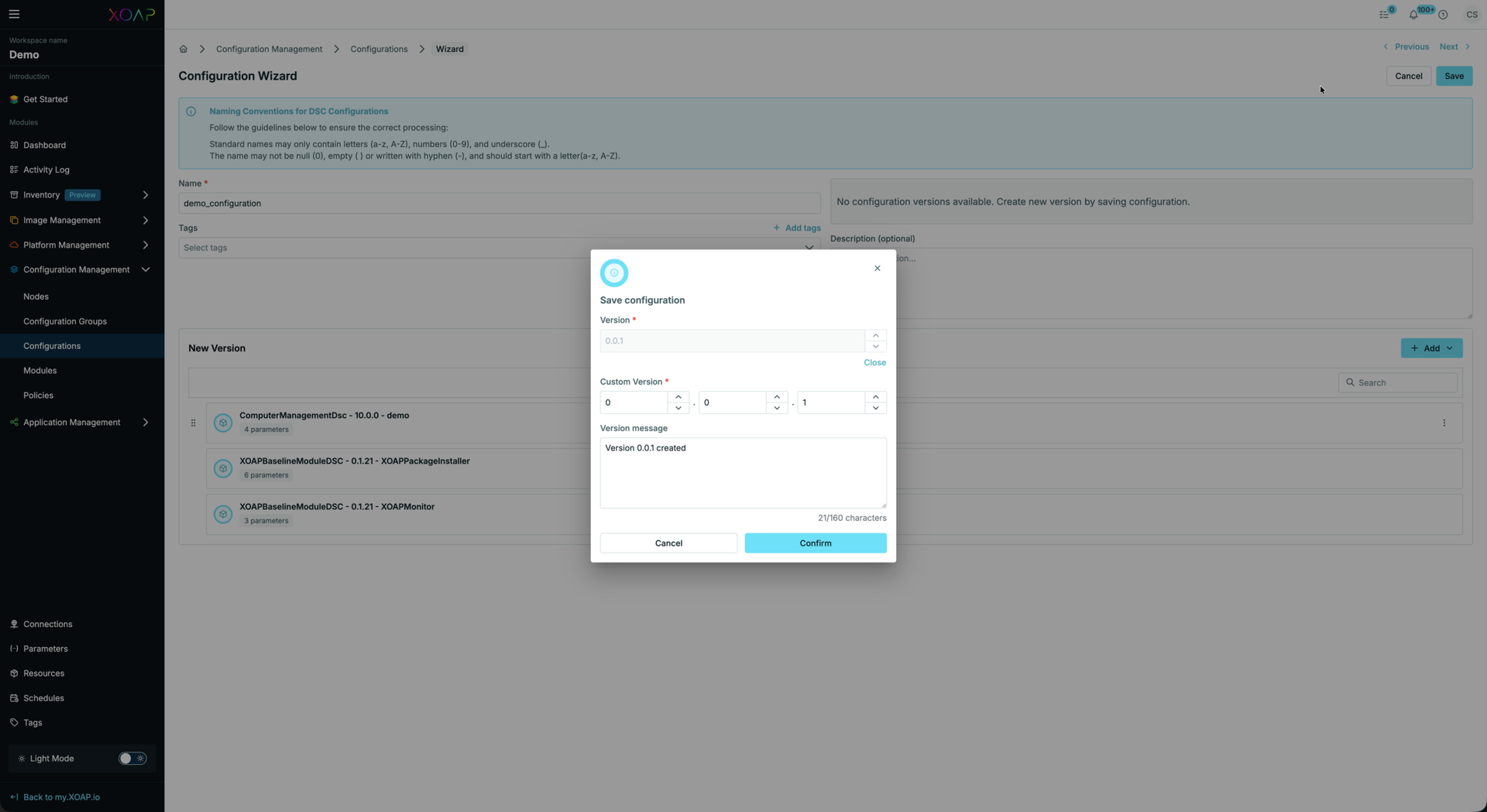
Custom version support has also been added to the configuration wizard.
Bug fixes:
• Fixed password field appearing in clear text in configuration forms
• Fixed failed installations not being recorded in compliance history
• Resolved configuration group performance issues
Connections #
Azure Managed Identity Connection #
A new Azure connection selector has been added, supporting Managed Identities and Service Providers. This complements the Azure image build improvements and eliminates the need for Public IPs on provisioned VMs.
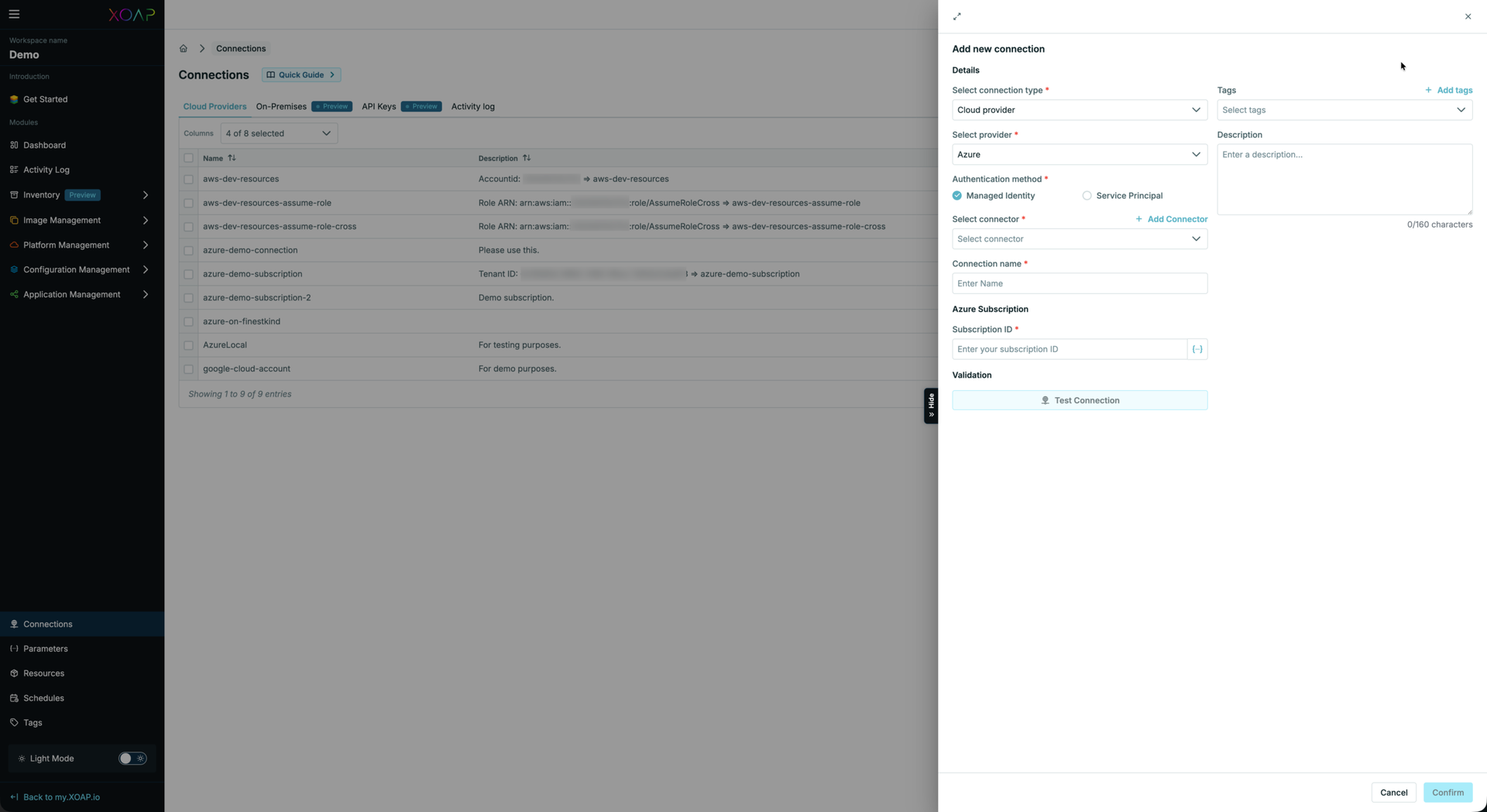
The Connections slide-out has been redesigned to include the Connector selector directly, streamlining the setup flow.
Bug fixes:
• Fixed frontend issues following API changes when creating and editing connections
• Adjusted run statuses to align with updated backend response format
Image Management #
Azure Image Build support #
The XOAP Connector now supports Azure image builds with Managed Identities, enabling full cloud-based image workflows. The connector uses an Azure Managed Identity within the subscription to create required resources and communicate securely with the XOAP backend, removing the requirement for Public IPs.
Operating system deprecation status #
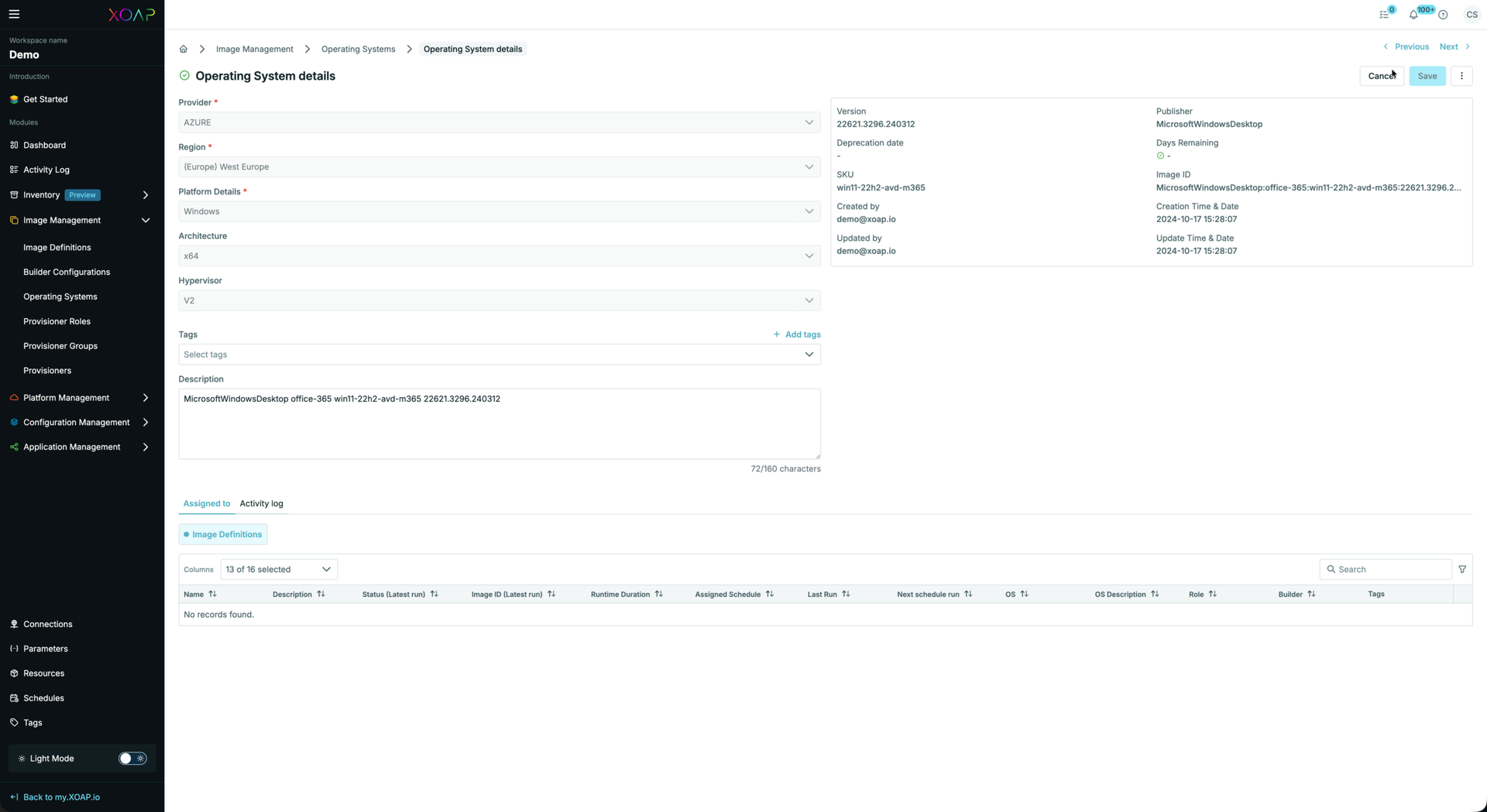
A deprecation status for Operating Systems has been implemented, providing clearer lifecycle visibility across image and provisioning workflows.
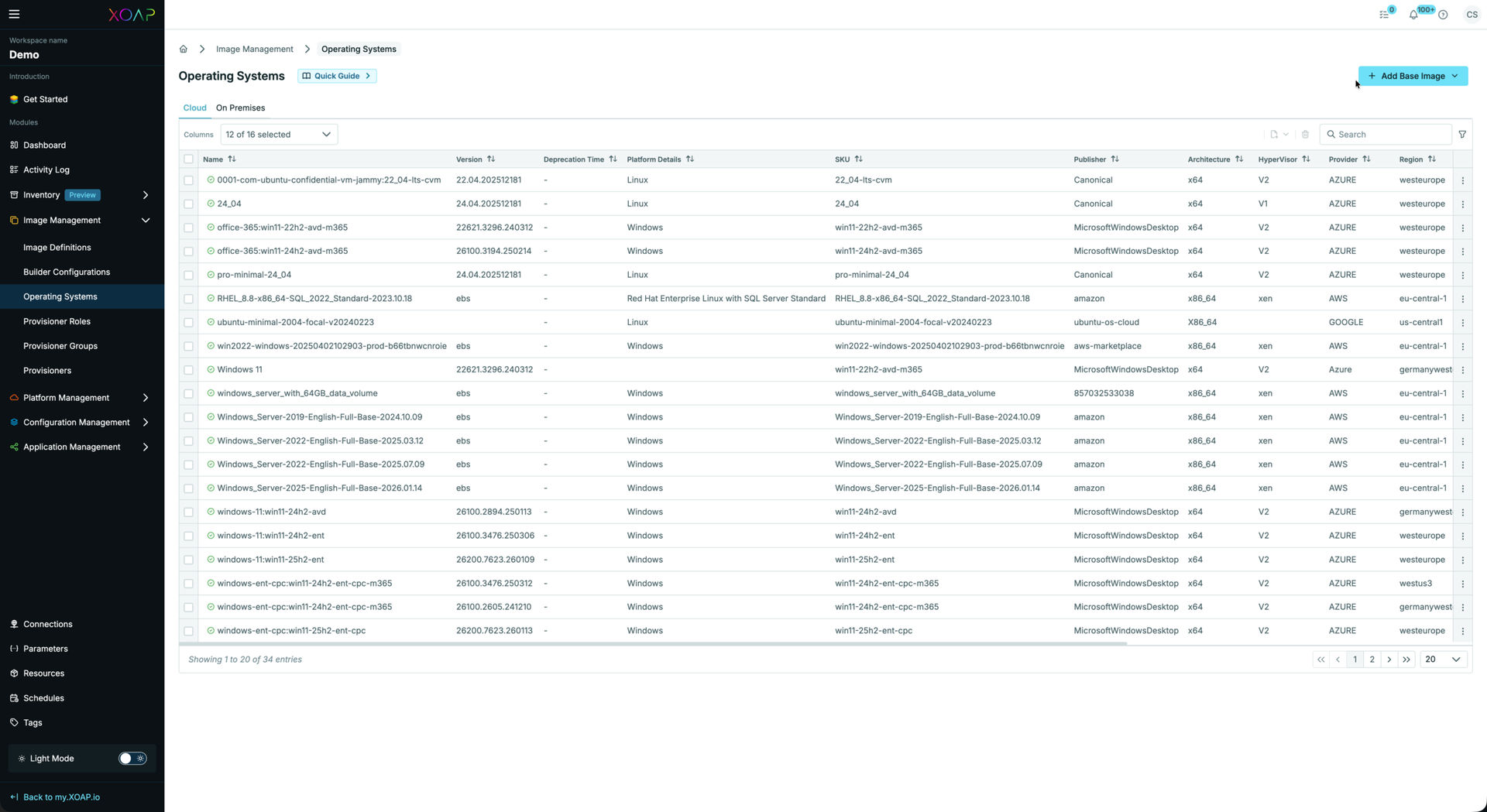
Details view with deprecation status, date and days left.
Bug fixes:
• Fixed graphQL query adjustment for image definitions in image management.
• Fixed OS details table alignment and layout issues
• Fixed OS autounattend version refresh behavior when files change
Connector #
Log streaming #
The XOAP Connector now supports real-time log streaming, providing immediate visibility into connector activity without requiring manual log retrieval.
Connector re-packaging #
XOAP Connector packages inside the Workspaces and requirements have been re-packaged using PSADT 4.1.8, improving deployment reliability and compatibility.
Scripted Actions on Connector #
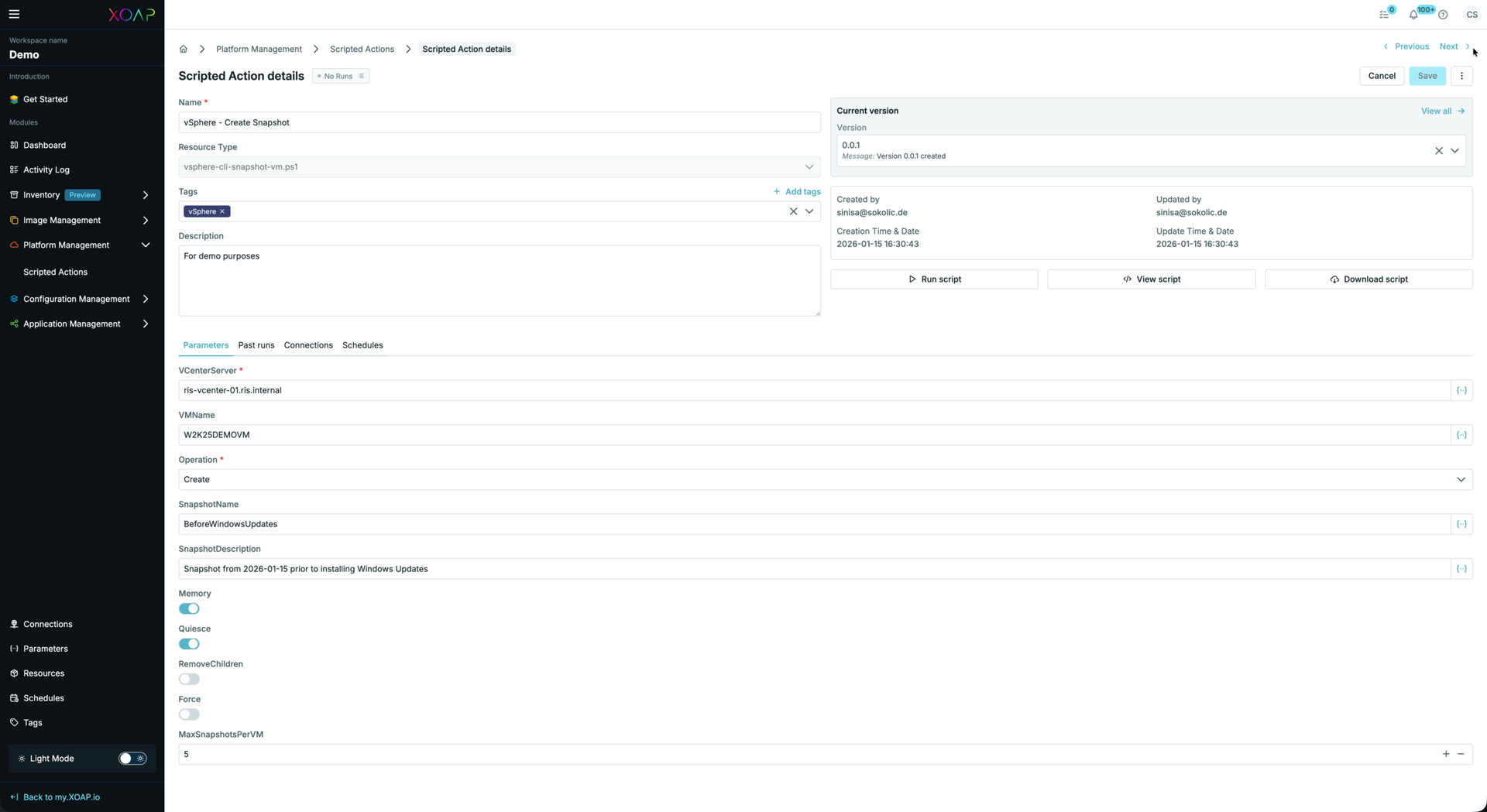
Scripted actions can now be executed directly on the connector, extending automation capabilities at the connector level.
Installation Tasks & Agent Log Cleaner #
Connector installation tasks have been refined, and an agent log cleaner job has been implemented to manage log retention and reduce disk usage automatically.
Bug Fixes:
• Fixed Scripted Action logs for Connector scripts in Platform Management
• Resolved active runs showing incorrect status (failed) in inventory
Inventory #
PowerShell 7 support #
The Inventory module has been updated to support PowerShell 7 (previously limited to PowerShell Core 5.1), aligning with current platform requirements.
Getting Started #
A new central Getting Started area has been implemented in the platform shell, providing a guided onboarding experience for new users. The landing page has been redesigned and an initial layout has been defined with example flows to help users get up and running faster.
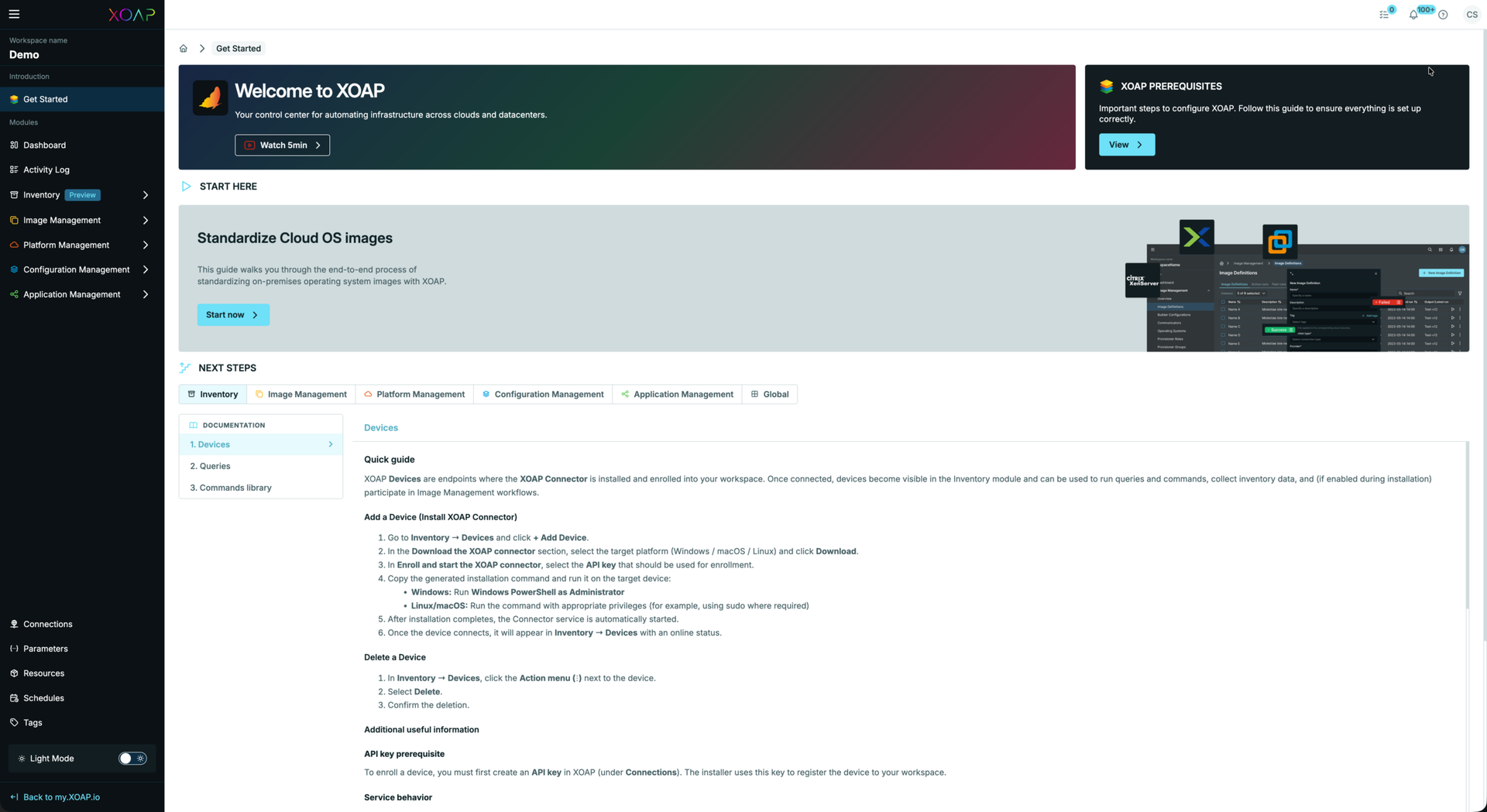
Getting Started guide for cloud images #
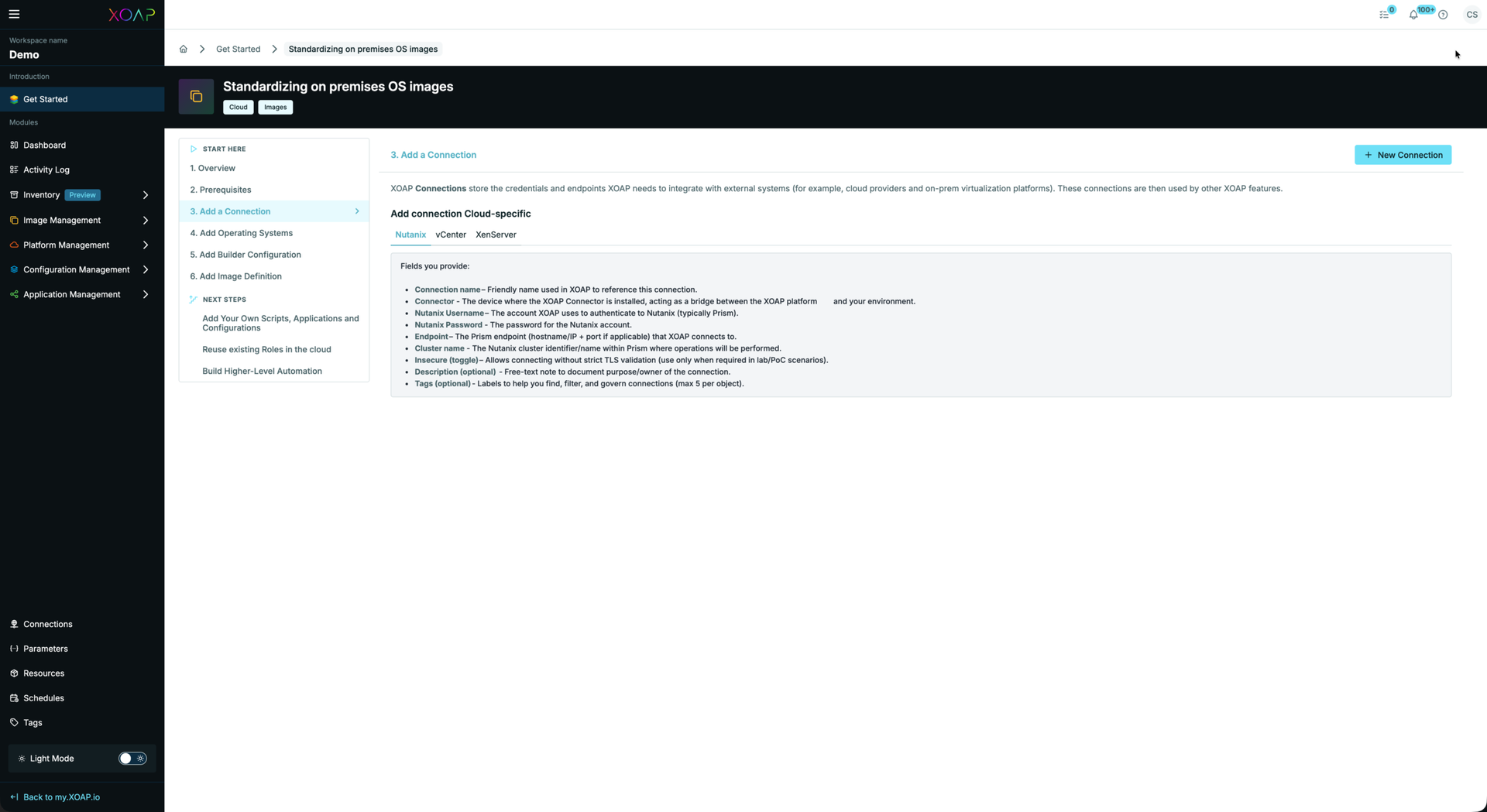
Documentation #
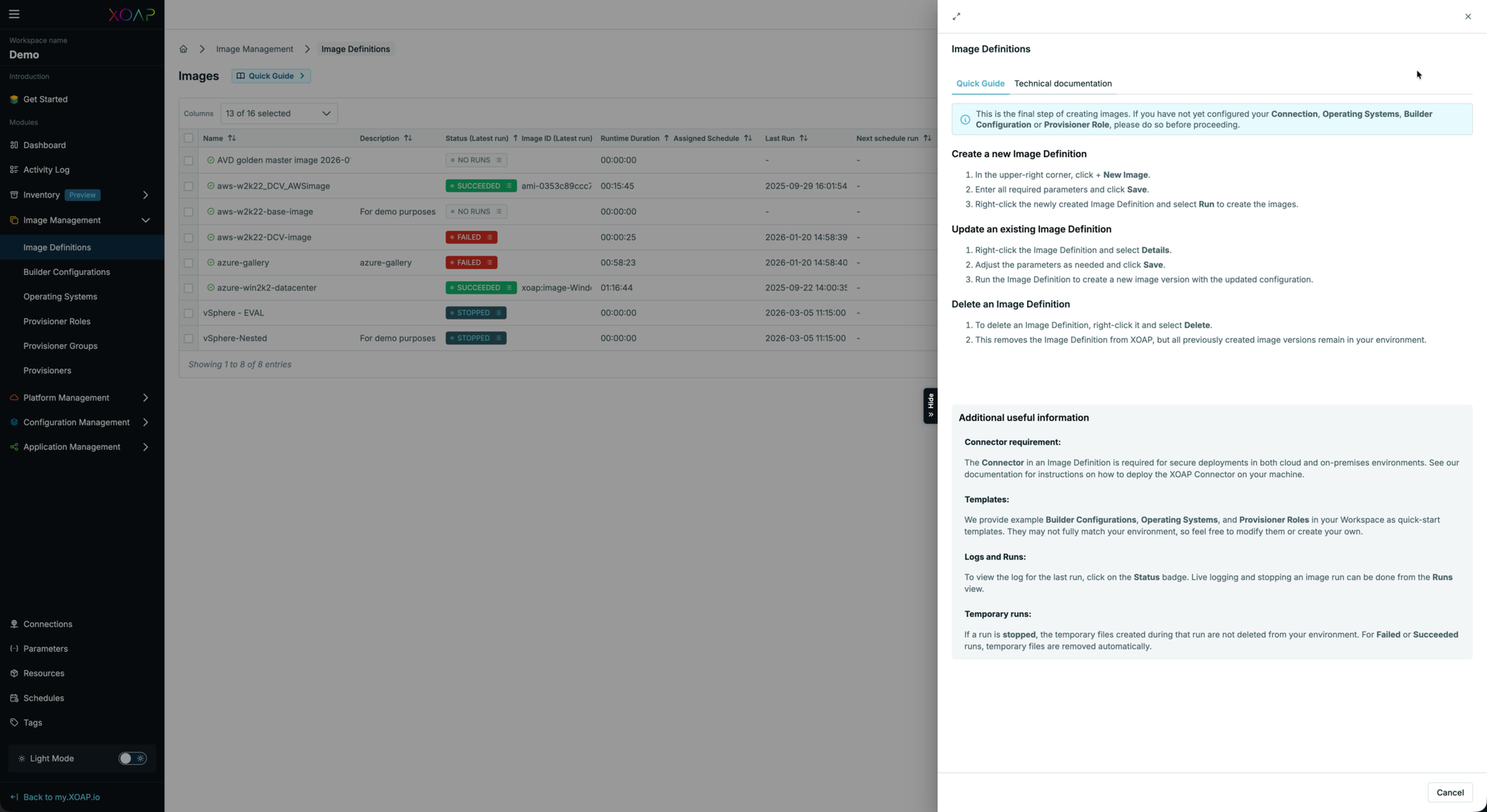
Documentation slide-outs #
In-app documentation has been extended across additional areas. Documentation is structured into:
• Quick guide — for fast, task-oriented help
• Technical documentation — for deeper, implementation-focused guidance