
Automate Windows OS migrations, start to finish
From hardware readiness checks and image preparation to OS deployment and post-migration compliance enforcement – without touching each device manually.
No credit card required
EMPOWERED BY A STRONG ECOSYSTEM


How it works
Whether you’re migrating dozens or thousands of devices, XOAP automates the entire workflow. No manual work required.
Legacy client management
Go beyond OPSI, Baramundi and other classics. XOAP removes manual workflows and silos with client management that spans desktops, servers and hybrid IT. Manage all endpoints consistently, integrate with existing systems and scale securely from one control plane.
Intune alternative
Need straightforward workflows and more flexibility? XOAP delivers multi‑tenant support, legacy system integration and infrastructure‑as‑code for client management. Operate and scale complex environments efficiently, whether they run in the cloud or on premises.
MDT replacement
MDT is end‑of‑life. XOAP replaces it with automated client management built for hybrid environments. Step into the future with version‑controlled configurations, integrated compliance and repeatable provisioning.
A future-proof Windows OS rollout
Three automated phases, all from one platform. Choose the simple way now and enjoy effortless Windows updates any time.
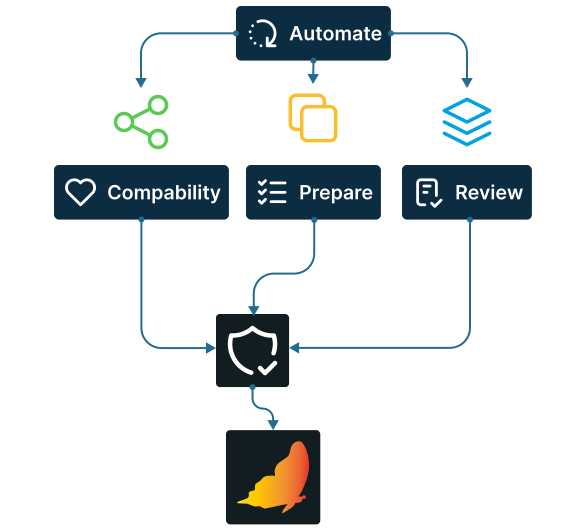
Pre-migration checks
Automate readiness checks, test application compatibility, prepare images, review configurations and apply security baselines before the rollout starts.
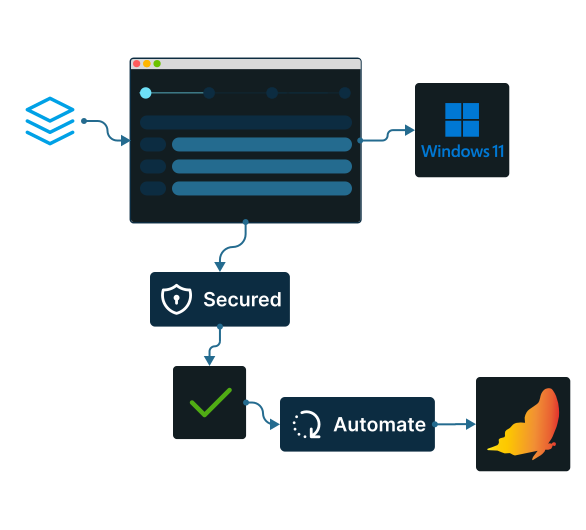
OS deployment
Configure your migration in four simple steps and let XOAP handle the rest. All devices are updated and secured automatically, with up to 90% less errors compared to manual processes, while one image definition works across both on-prem and cloud environments.
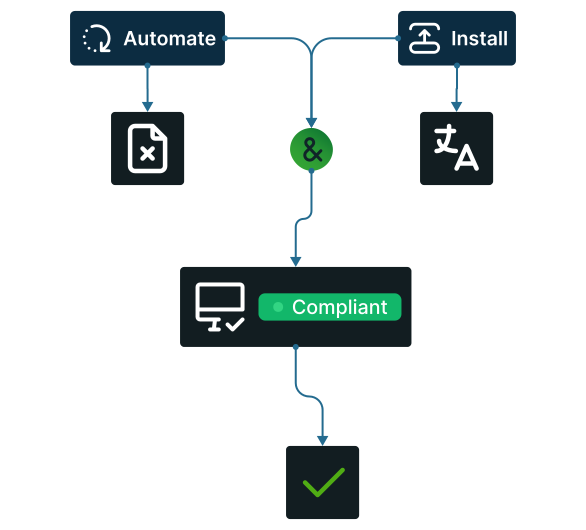
Post-migration clean-up
Automate temporary files removal, installing missing language packs and compliance checks against every device from a single view. Scheduled image builds keep your golden image current with each Windows update cycle so the platform is set up for the next major OS migration.
How to use XOAP for Windows updates
Configure once, deploy anywhere.
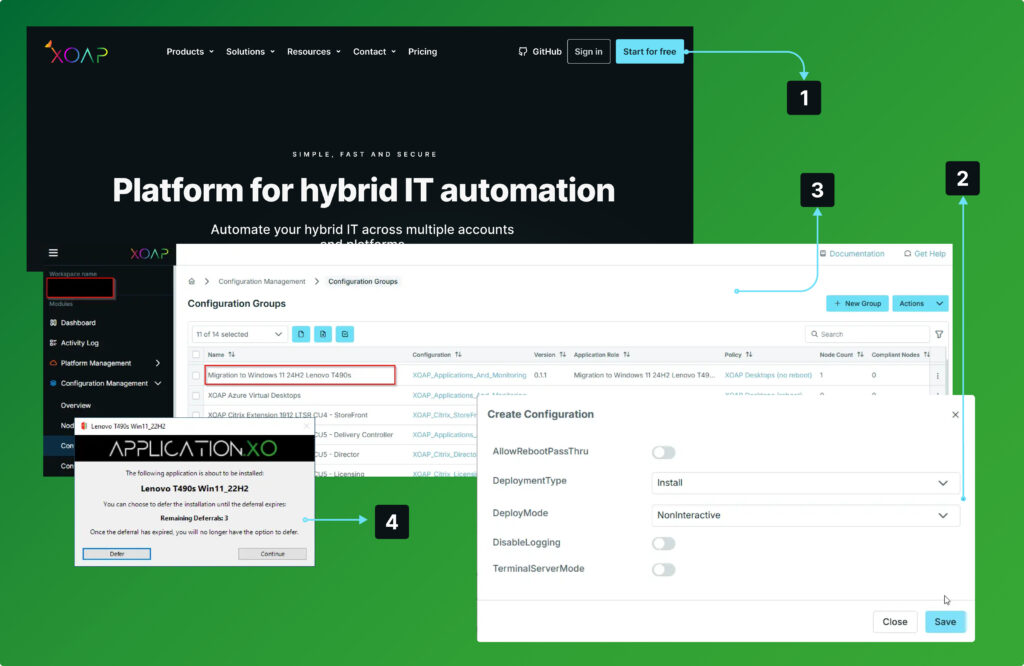
Login
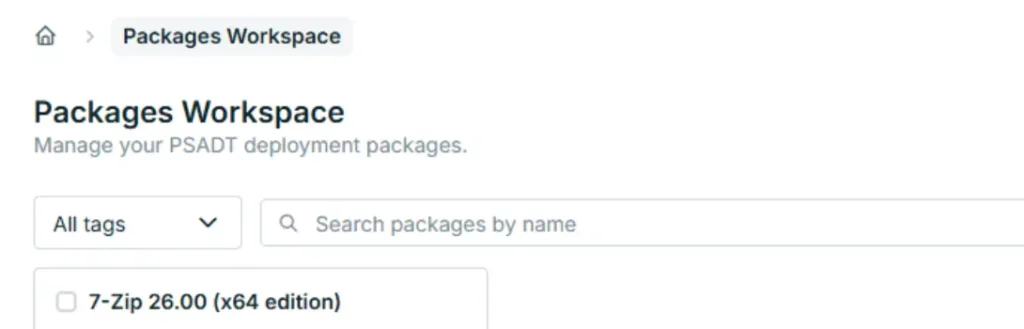
to your XOAP Workspace.
Create
ISO file and hardware driver packages.
Deploy
packages to your Windows endpoint and run the upgrade process.
Verify
installation and upgrade to a new Windows OS from a unified management console.
Windows OS migration made simple
Explore our platform at your own pace. Claim your free account below and see how it works.
Smarter OS updates at any scale
Automate key tasks and ensure fast, secure and reliable updates – regardless of company size.
Smarter deployments
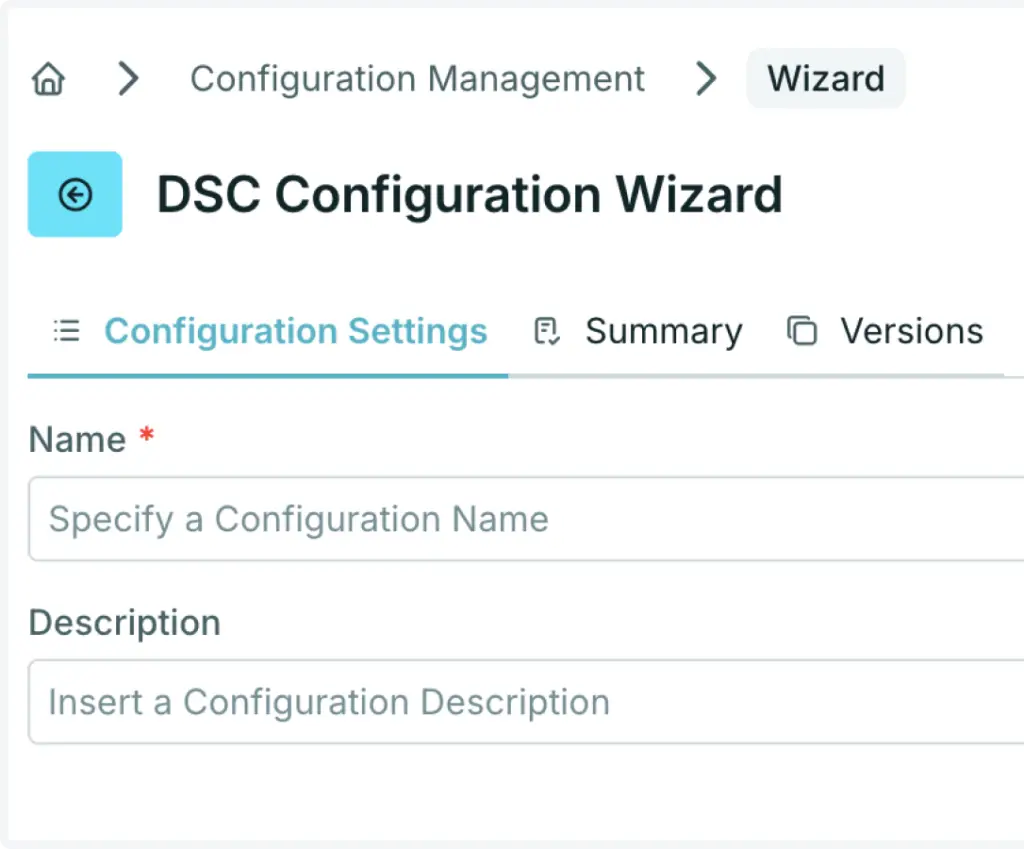
Desired State Configuration
Use PowerShell DSC configurations.
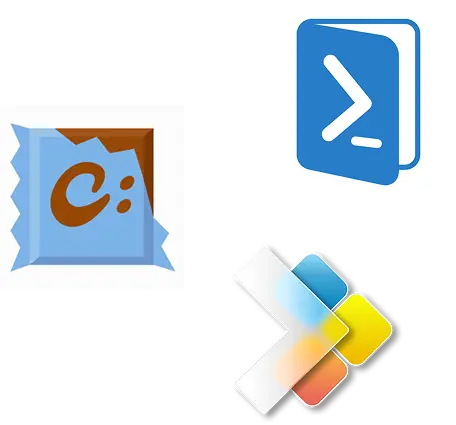
Installer technologies
Get fast, reliable software deployment, updates and uninstalls. Fully supported with common installers like WinGet and Chocolatey.
Third-party integration
Quickly deploy Citrix, uberAgent, deviceTRUST and FSLogix to improve security and user experience with ready-to-use templates.
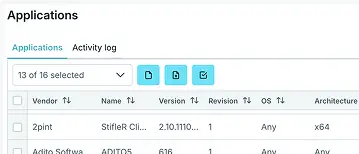
API & extensions
Access components through our API and automate your entire infrastructure and services.
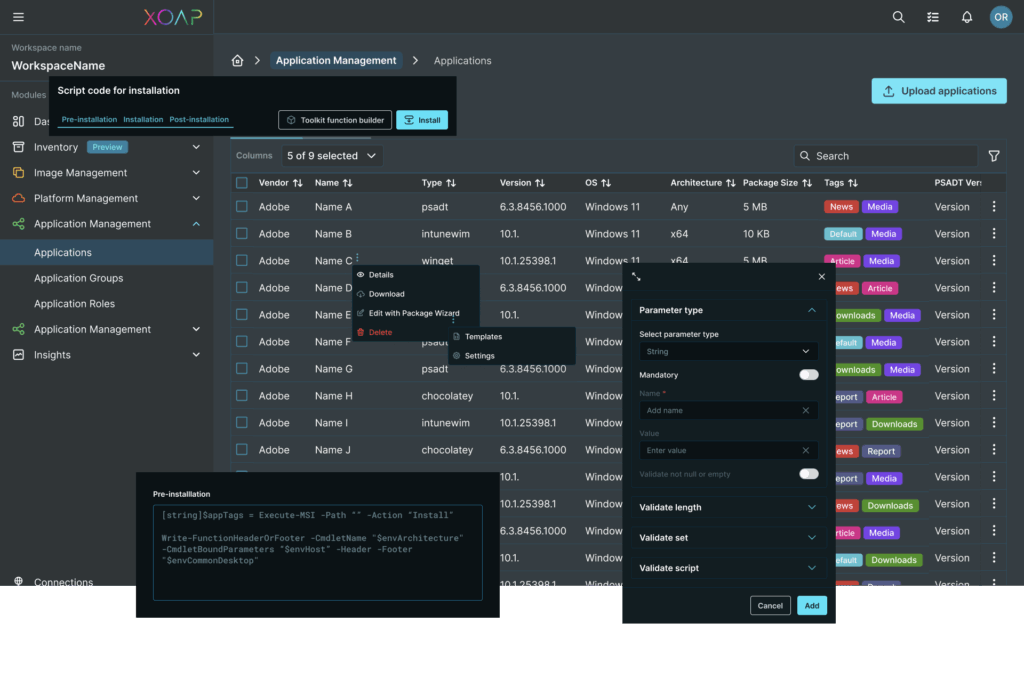
Free XOAP Package Wizard
Create PSADT v4 packages in a few clicks with no code at all. Standardized, versioned and documented. Available for free download.
Automate every layer of your infrastructure
From image build pipelines to system configuration and application deployment, automate processes across environments, platforms and accounts.
Application Management
Software and application packaging, deployment and management.
Configuration Management
Windows System and configuration management across environments.
Image Management
Customized machine image build pipelines for multiple platforms and accounts.
Platform Management
Automating infrastructure and workplace across platforms and subscriptions.