
Automatiser Migrations de système d'exploitation Windows, du début à la fin
Des vérifications de préparation du matériel et de préparation des images au déploiement du système d'exploitation et à l'application des règles de conformité post-migration – sans toucher chaque appareil manuellement.
Aucune carte de crédit n'est requise
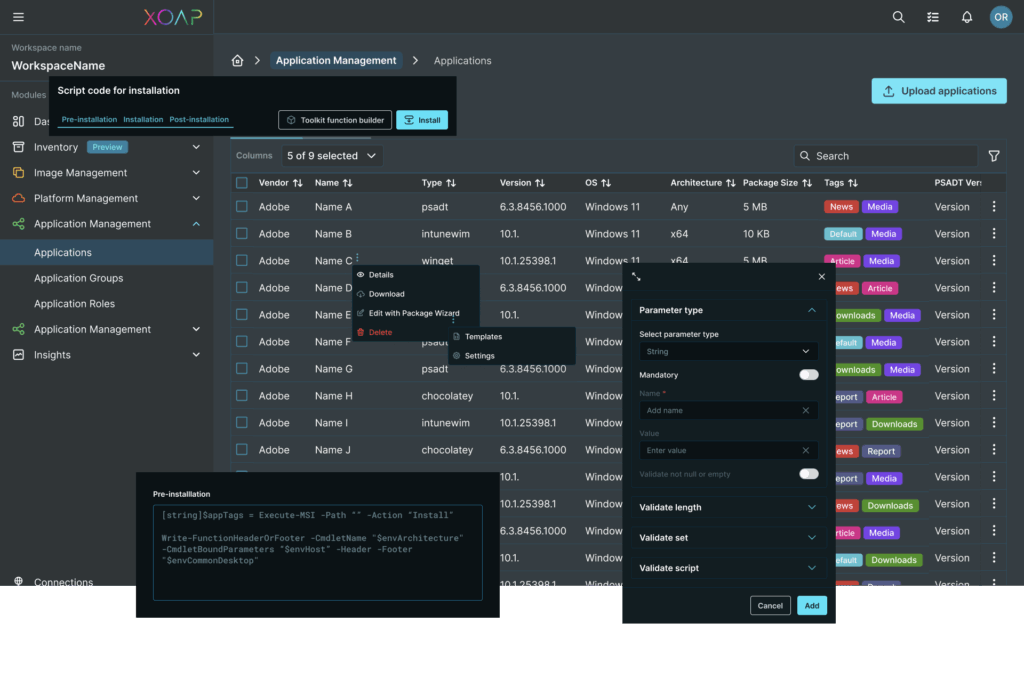
RENFORCÉES PAR UN ÉCOSYSTÈME SOLIDE


Comment cela fonctionne-t-il ?
Que vous migriez des dizaines ou des milliers d'appareils, XOAP automatise l'ensemble du flux de travail. Aucun travail manuel requis.
Gestion des clients hérités
Allez au-delà d'OPSI, Baramundi et d'autres classiques. XOAP élimine les flux de travail manuels et les silos avec une gestion des clients qui s'étend aux postes de travail, aux serveurs et à l'informatique hybride. Gérez tous les points d'extrémité de manière cohérente, intégrez-vous aux systèmes existants et évoluez en toute sécurité à partir d'un seul plan de contrôle.
Alternative à Intune
Besoin de workflows simples et de plus de flexibilité ? XOAP offre la prise en charge multi-locataire, l'intégration de systèmes existants et l'infrastructure en tant que code pour la gestion des clients. Gérez et faites évoluer des environnements complexes efficacement, qu'ils s'exécutent dans le cloud ou sur site.
Remplacement MDT
MDT en fin de vie. XOAP le remplace par une gestion automatisée des clients conçue pour les environnements hybrides. Entrez dans le futur avec des configurations contrôlées par version, une conformité intégrée et un provisionnement répétable.
Un déploiement de Windows à l'épreuve du futur
Trois phases automatisées, le tout depuis une seule plateforme. Choisissez la voie simple dès maintenant et profitez de mises à jour Windows sans effort, à tout moment.
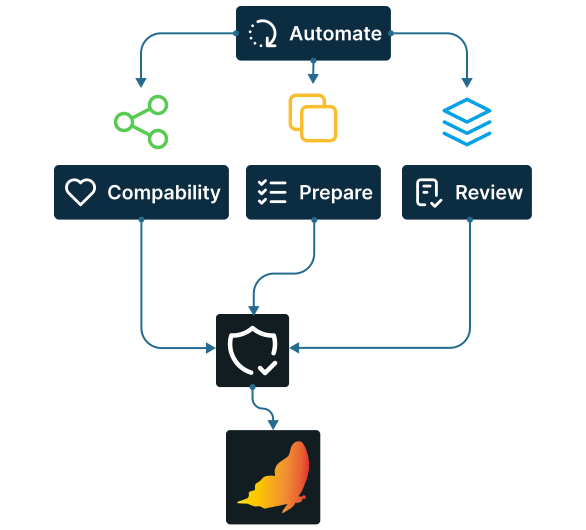
Vérifications avant migration
Automatisez les vérifications de préparation, testez la compatibilité des applications, préparez les images, vérifiez les configurations et appliquez les bases de sécurité avant le démarrage du déploiement.
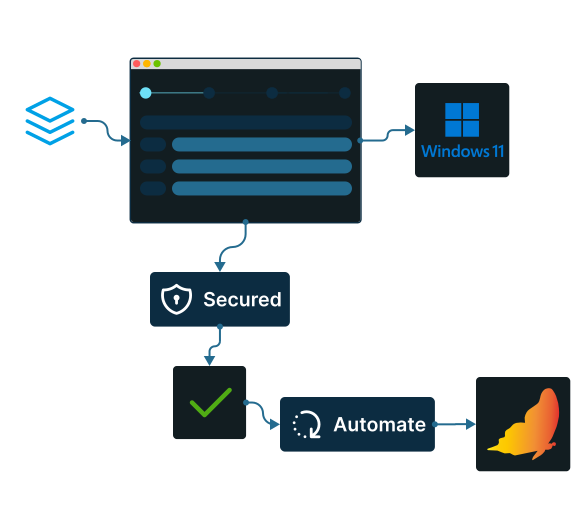
Déploiement d'OS
Configurer votre migration en quatre étapes simples et laissez XOAP s'occuper du reste. Tous les appareils sont mis à jour et sécurisés automatiquement, avec jusqu'à 90% d'erreurs en moins par rapport aux processus manuels, tandis qu'une seule définition d'image fonctionne aussi bien dans les environnements sur site que dans le cloud.
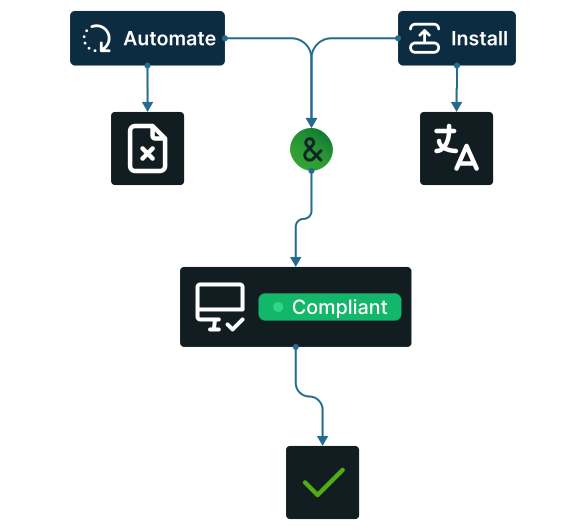
Nettoyage post-migration
Automatisez la suppression des fichiers temporaires, l'installation des packs linguistiques manquants et les vérifications de conformité sur chaque appareil depuis une vue unique. Les constructions d'images planifiées maintiennent votre image de référence à jour avec chaque cycle de mise à jour Windows, de sorte que la plateforme soit prête pour la prochaine migration majeure du système d'exploitation.
Comment utiliser XOAP pour les mises à jour de Windows
Configurez une fois, déployez partout.
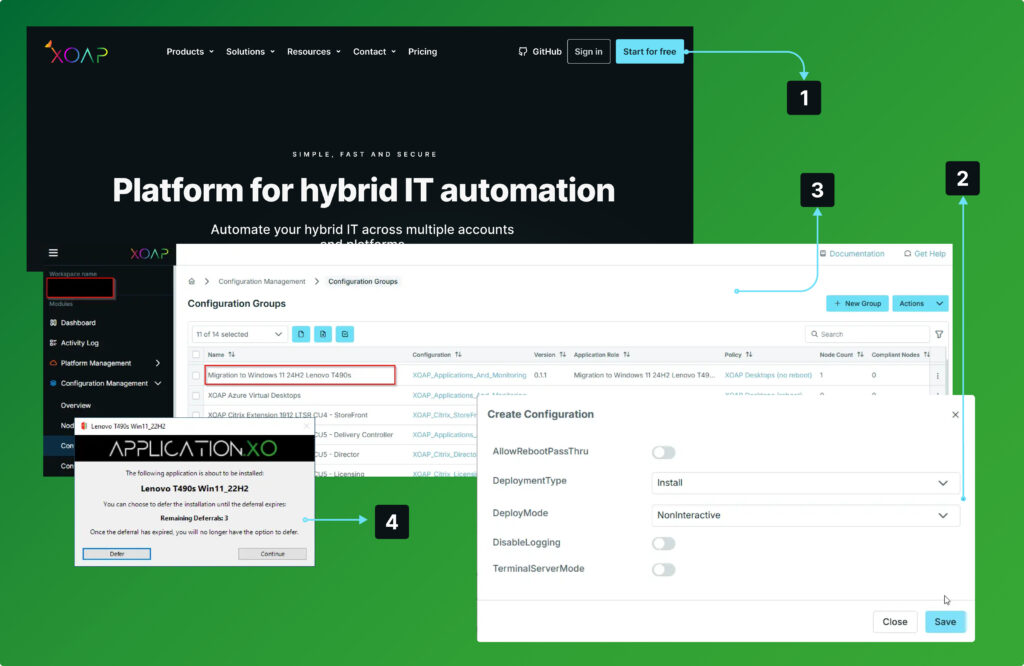
Se connecter
à votre espace de travail XOAP.
Créer
Fichier ISO et paquets de pilotes matériels.
Déployer
packages sur votre point de terminaison Windows et exécutez le processus de mise à niveau.
Vérifier
installation et mise à niveau vers un nouveau système d'exploitation Windows à partir d'une console de gestion unifiée.
Migration d'OS Windows simplifiée
Explorez notre plateforme à votre rythme. Demandez votre compte gratuit ci-dessous et découvrez comment cela fonctionne.
Mises à jour de système d'exploitation plus intelligentes, quelle que soit l'échelle
Automatisez les tâches clés et garantissez des mises à jour rapides, sécurisées et fiables – quelle que soit la taille de l'entreprise.
Des déploiements plus intelligents
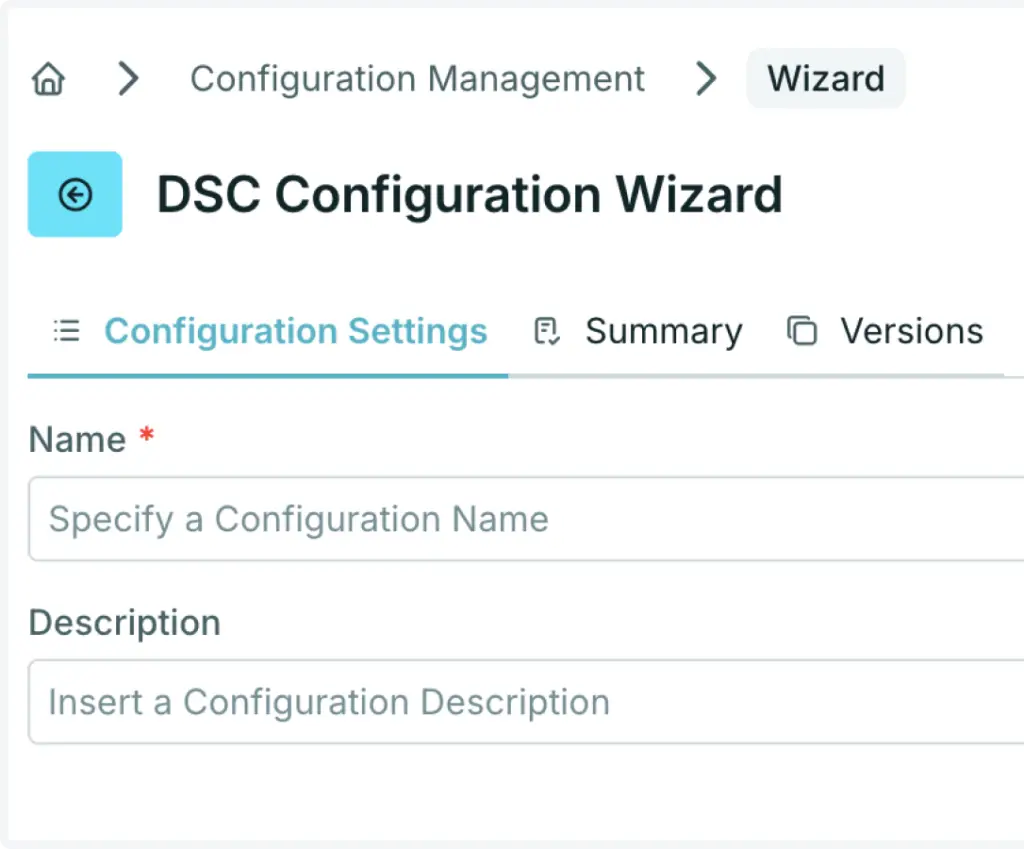
Configuration de l'état souhaité
Utiliser les configurations DSC PowerShell.
Technologies d'installation
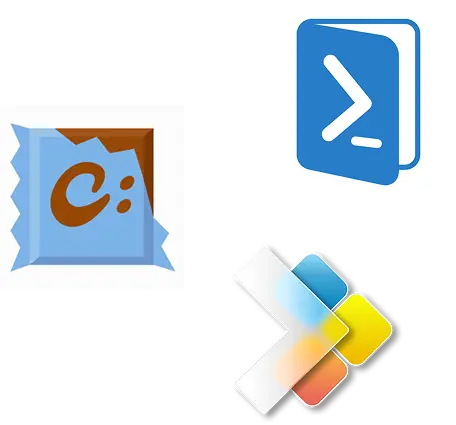
Obtenez un déploiement, des mises à jour et des désinstallations de logiciels rapides et fiables. Entièrement pris en charge par les installateurs courants tels que WinGet et Chocolatey.
Intégration de tiers
Déployez rapidement Citrix, uberAgent, deviceTRUST et FSLogix pour améliorer la sécurité et l'expérience des utilisateurs grâce à des modèles prêts à l'emploi.
API et extensions
Accédez aux composants via notre API et automatisez l'ensemble de votre infrastructure et de vos services.
Assistant de génération de packages XOAP gratuit
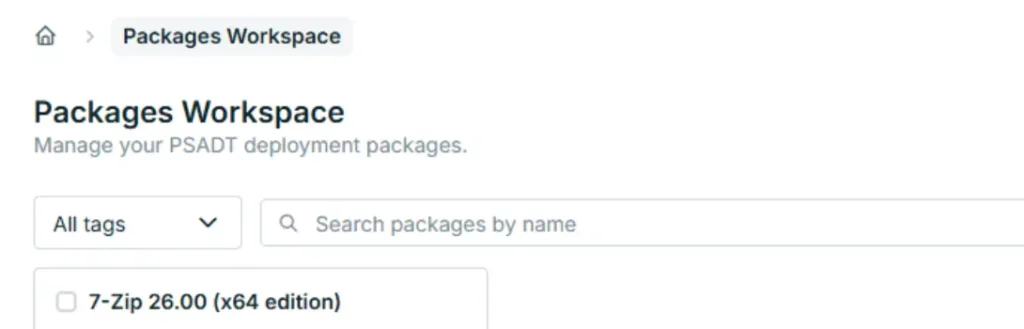
Créez des packages PSADT v4 en quelques clics sans aucun code. Standardisé, versionné et documenté. Disponible pour téléchargement gratuit.
Automatiser chaque couche de votre infrastructure
Des pipelines de construction d'images à la configuration des systèmes et au déploiement d'applications, automatisez les processus dans les environnements, les plates-formes et les comptes.
Application Management
Emballage, déploiement et gestion de logiciels et d'applications.
Configuration Management
Système Windows et gestion de la configuration dans tous les environnements.
Image Management
Pipelines de construction d'images de machine personnalisés pour de multiples plateformes et comptes.
Platform Management
Automatiser l'infrastructure et le lieu de travail à travers les plateformes et les abonnements.