
Automatisieren Windows OS-Migrationen, vom Anfang bis zum Ende
Von Hardware-Bereitschaftsprüfungen und Image-Vorbereitung bis hin zur Betriebssystembereitstellung und der Durchsetzung von Compliance nach der Migration – ohne jedes Gerät manuell anfassen zu müssen.
Keine Kreditkarte erforderlich
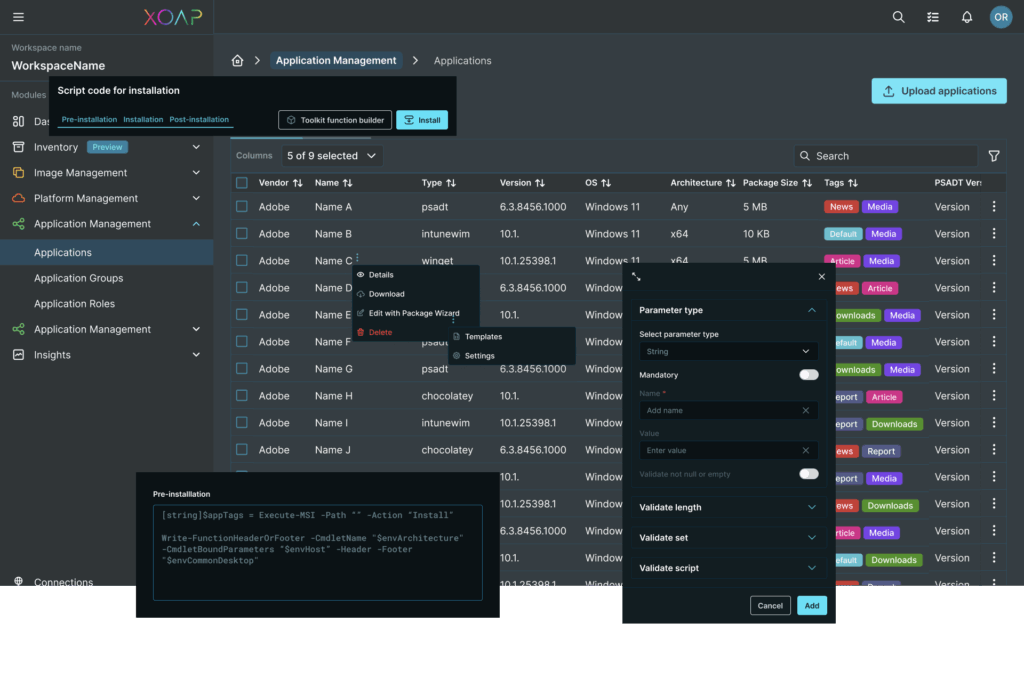
GESTÄRKT DURCH EIN STARKES ÖKOSYSTEM


Wie es funktioniert
Ganz gleich, ob Sie Dutzende oder Tausende von Geräten migrieren, XOAP automatisiert den gesamten Workflow. Kein manueller Aufwand erforderlich.
Legacy-Kundenverwaltung
Gehen Sie über OPSI, Baramundi und andere Klassiker hinaus. XOAP beseitigt manuelle Workflows und Silos durch eine Client-Verwaltung, die Desktops, Server und hybride IT umfasst. Verwalten Sie alle Endpunkte einheitlich, integrieren Sie sie in bestehende Systeme und skalieren Sie sicher von einer einzigen Steuerungsebene aus.
Intune alternative
Benötigen Sie unkomplizierte Arbeitsabläufe und mehr Flexibilität? XOAP bietet Multi-Tenant-Unterstützung, Integration von Altsystemen und Infrastructure-as-Code für das Kundenmanagement. Betreiben und skalieren Sie komplexe Umgebungen effizient, unabhängig davon, ob sie in der Cloud oder vor Ort ausgeführt werden.
MDT Ersatz/Alternative
MDT ist End-of-Life. XOAP ersetzt es durch eine automatisierte Client-Verwaltung, die für hybride Umgebungen entwickelt wurde. Steigen Sie ein in die Zukunft mit versionskontrollierten Konfigurationen, integrierter Compliance und wiederholbarer Bereitstellung.
Eine zukunftsfähige Windows-Betriebssystem-Einführung
Drei automatisierte Phasen, alle von einer Plattform. Wählen Sie jetzt den einfachen Weg und genießen Sie jederzeit mühelose Windows-Updates.
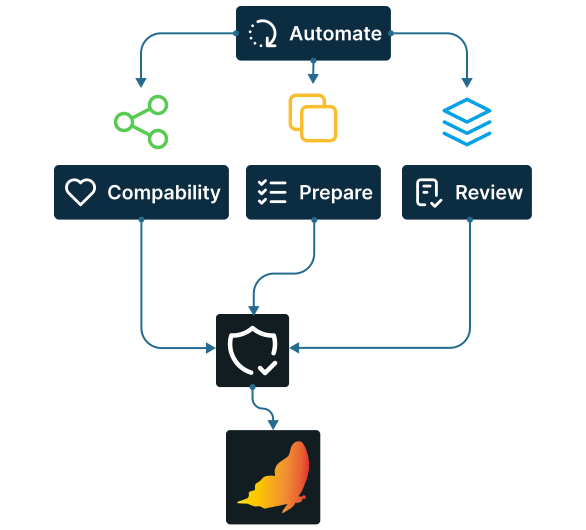
Vorkontrollen vor der Migration
Automatisieren Sie Bereitschaftsprüfungen, testen Sie die Anwendungskompatibilität, bereiten Sie Images vor, überprüfen Sie Konfigurationen und wenden Sie Sicherheitsgrundlagen an, bevor der Rollout beginnt.
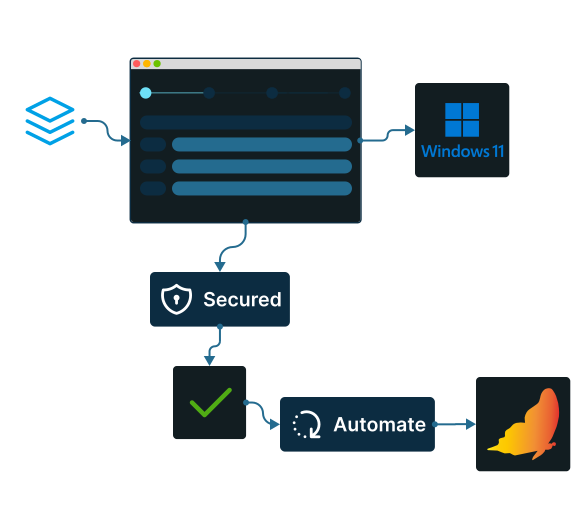
Betriebssystembereitstellung
Konfigurieren Sie Ihre Migration in vier einfache Schritte und überlassen Sie den Rest XOAP. Alle Geräte werden automatisch aktualisiert und gesichert, wobei im Vergleich zu manuellen Prozessen bis zu 90% weniger Fehler auftreten, während eine einzige Image-Definition sowohl in On-Premise- als auch in Cloud-Umgebungen funktioniert.
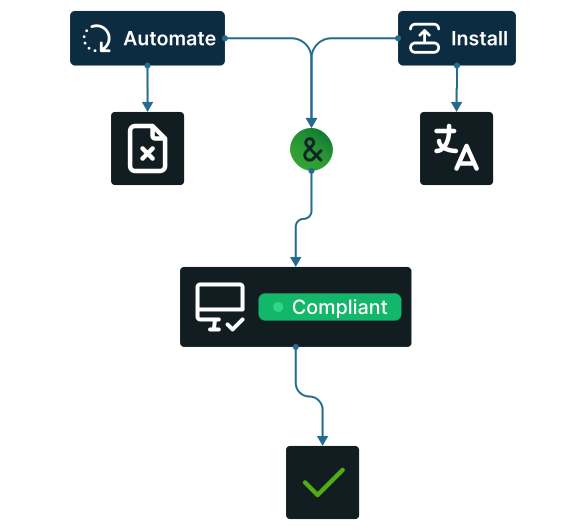
Bereinigung nach der Migration
Automatisieren Sie die Entfernung temporärer Dateien, die Installation fehlender Sprachpakete und Compliance-Prüfungen auf jedem Gerät aus einer einzigen Ansicht. Geplante Image-Builds halten Ihr Golden Image mit jedem Windows-Update-Zyklus aktuell, sodass die Plattform für die nächste große Betriebssystemmigration vorbereitet ist.
Wie man XOAP für Windows-Updates verwendet
Einmal konfigurieren, überall bereitstellen.
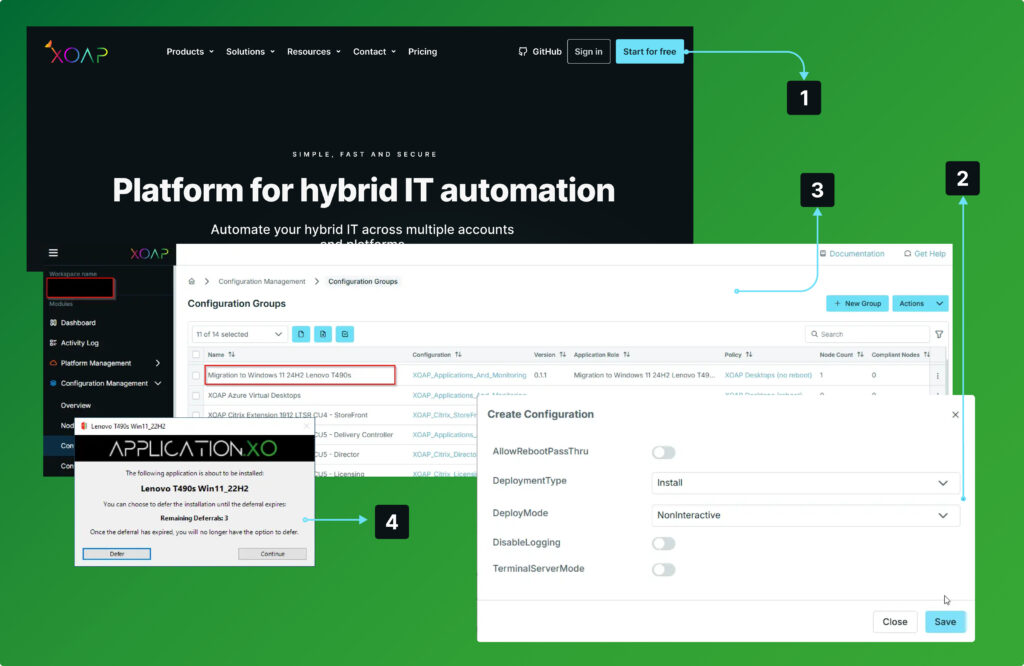
Anmelden
zu Ihrem XOAP-Arbeitsbereich.
Erstellen
ISO-Dateien und Hardware-Treiberpakete.
Bereitstellung von
Pakete auf Ihren Windows-Endpunkt und führen Sie den Upgrade-Prozess aus.
Überprüfen
Installation und Upgrade auf ein neues Windows-Betriebssystem von einer einheitlichen Verwaltungskonsole.
Windows-Betriebssystemmigration leicht gemacht
Die Plattform im eigenen Tempo erkunden. Kostenloses Konto unten erstellen und selbst erleben, wie alles funktioniert.
Intelligentere OS-Updates in jeder Größenordnung
Automatisieren Sie wichtige Aufgaben und stellen Sie schnelle, sichere und zuverlässige Updates sicher – unabhängig von der Unternehmensgröße.
Intelligentere Bereitstellungen
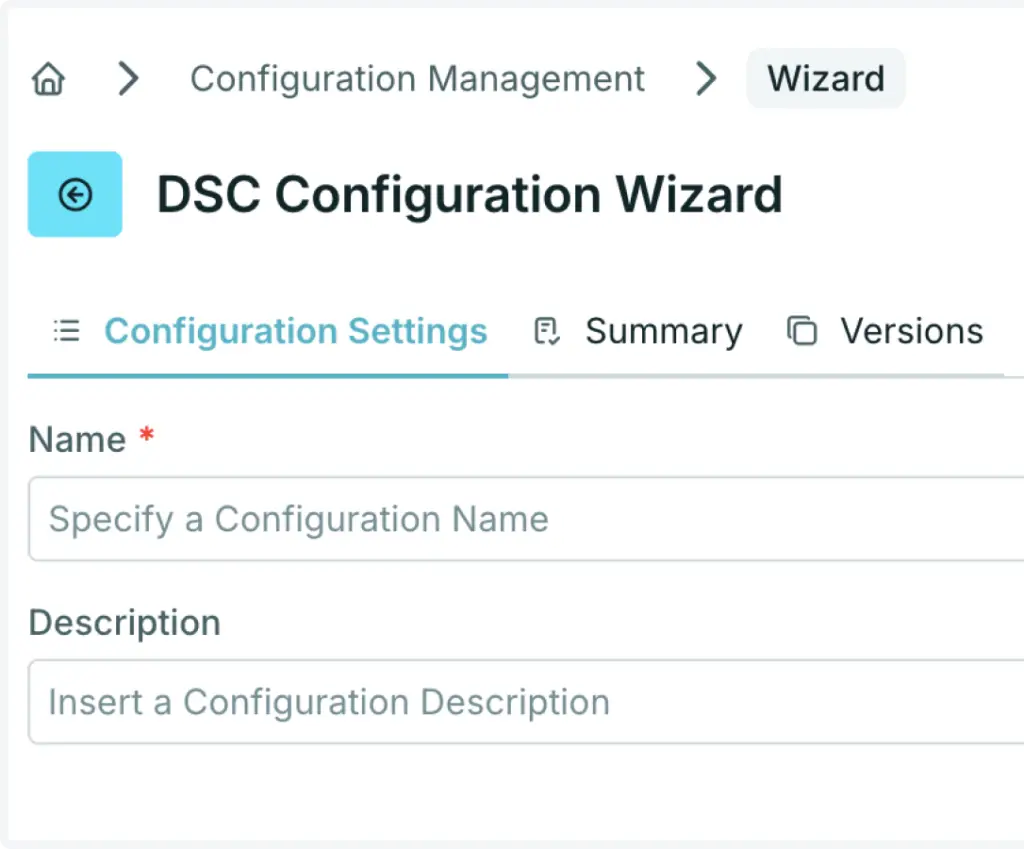
Gewünschter Zustand Konfiguration
PowerShell DSC-Konfigurationen verwenden.
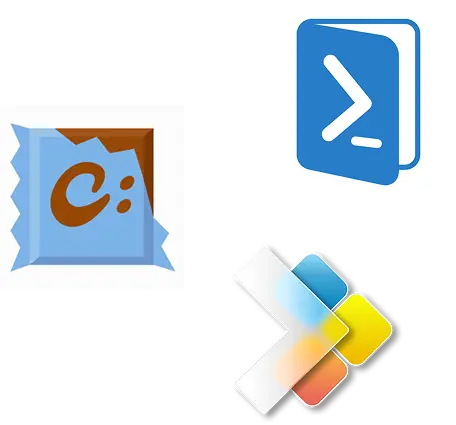
Installer-Technologien
Schnelle, zuverlässige Softwarebereitstellung, Updates und Deinstallationen – mit Unterstützung gängiger Installer wie WinGet und Chocolatey.
Integration von Drittanbietern
Citrix, uberAgent, deviceTRUST und FSLogix schnell bereitstellen – mit einsatzbereiten Vorlagen Sicherheit und Benutzererlebnis verbessern.
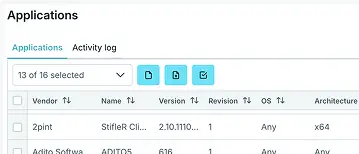
API & Extensions
Komponenten über die API nutzen und die gesamte Infrastruktur sowie Services automatisieren.
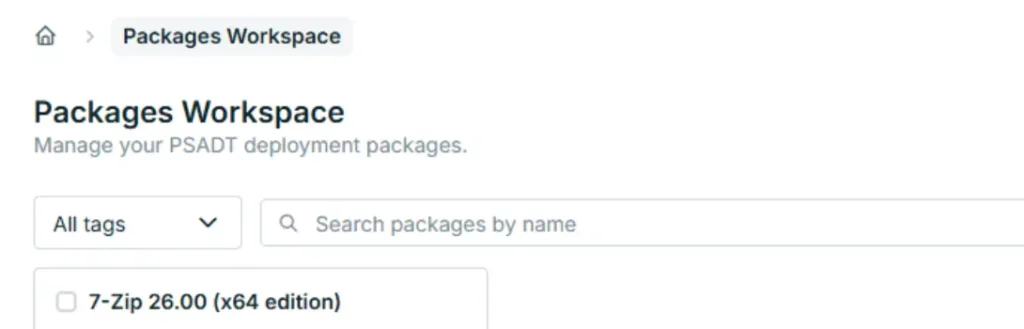
Kostenloser XOAP-Paketassistent
Erstellen Sie PSADT v4-Pakete mit wenigen Klicks ohne Code. Standardisiert, versioniert und dokumentiert. Verfügbar für kostenloser Download.
Jede Ebene der Infrastruktur automatisieren
Von Image-Build-Pipelines über Systemkonfiguration bis hin zur Anwendungsbereitstellung – Prozesse umgebungs-, plattform- und kontenübergreifend automatisieren.
Application Management
Software- und Anwendungspaketierung, Bereitstellung und Verwaltung.
Configuration Management
Windows-System- und Konfigurationsmanagement über verschiedene Umgebungen hinweg.
Image Management
Individuell angepasste Maschinen-Image-Build-Pipelines für mehrere Plattformen und Konten.
Platform Management
Automatisierung von Infrastruktur und Arbeitsumgebungen über Plattformen und Subscriptions hinweg.