This release focuses on improving efficiency, scalability, and operational clarity across the platform.
Key highlights include enhanced bulk operations, extended Azure integration using Managed Identities, a clearer Provisioner integration, and significant improvements to the XOAP Connector installation and lifecycle management.
General #
This section introduces usability and productivity improvements that apply across multiple areas of the platform, with a strong focus on working with larger datasets.
Data tables #
Data tables have been enhanced to better support bulk operations and day-to-day administrative workflows.
Bulk Tag Editing #
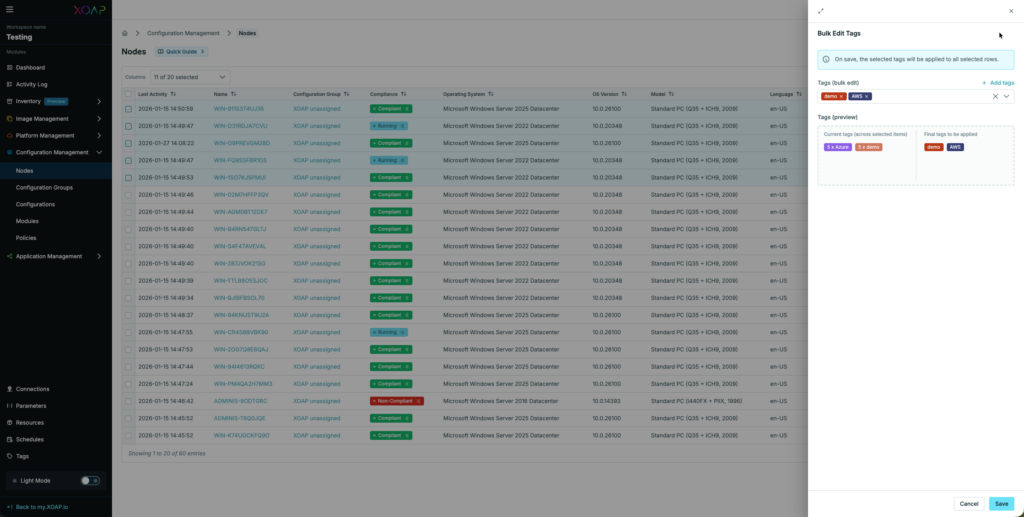
You can now edit tags for multiple resources in a single operation, reducing repetitive manual effort.
Bulk Downloads #
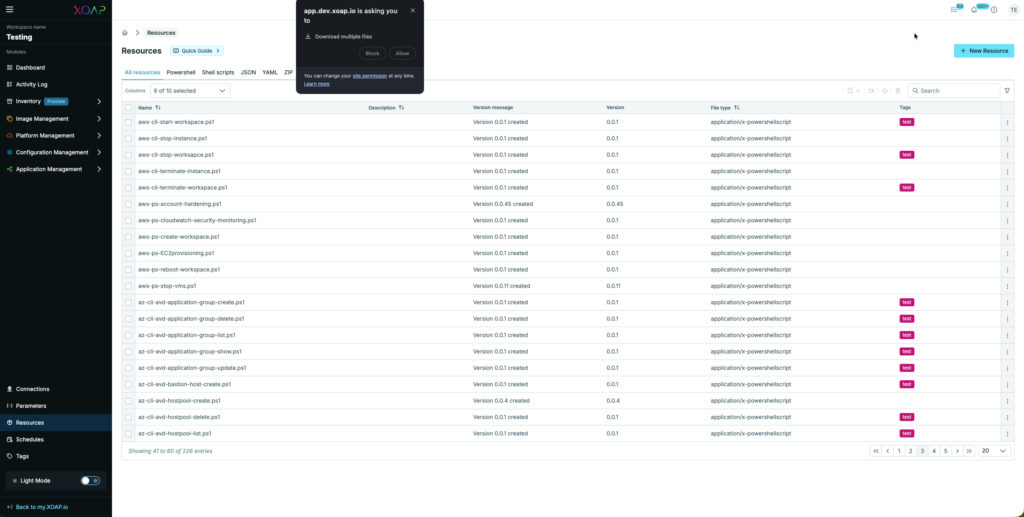
Multiple resources can now be downloaded at once.
Note: Ensure that your browser allows multiple simultaneous downloads.
Bulk Exports #
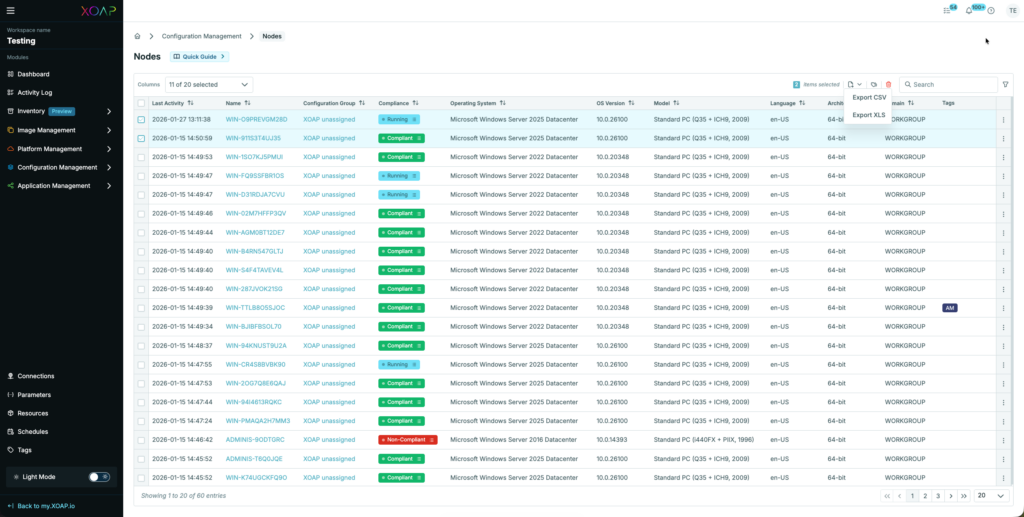
Export data for all or selected resources to .csv or .xlsx formats for further processing or reporting.
Bulk Delete #
Multiple resources can now be deleted in a single action, simplifying cleanup and lifecycle management.
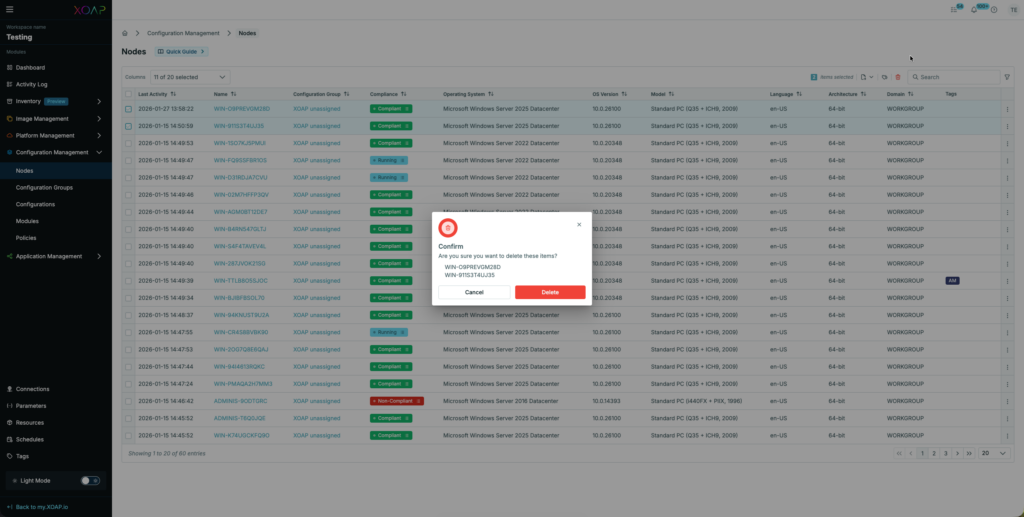
Image Management #
This release significantly improves Azure-based image workflows by removing networking constraints and strengthening security.
Azure Managed Identity Support #
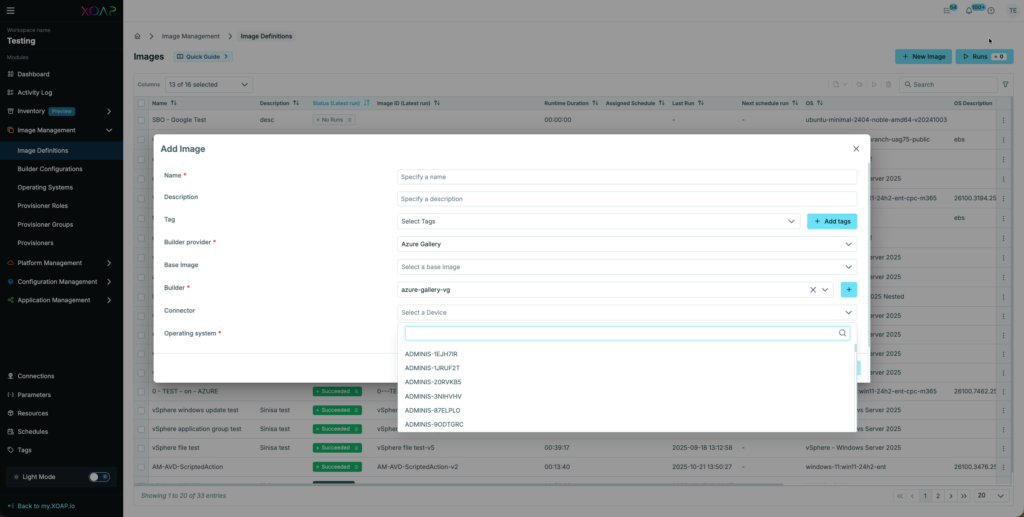
The XOAP Connector can now be used with Azure Managed Images and Azure Gallery Image Definition runs.
This eliminates the need for Public IPs on provisioned VMs. Instead, the XOAP Connector VM uses an Azure Managed Identity within the subscription to:
- Create all required Azure resources
- Securely communicate with the XOAP backend
- Align image builds with enterprise security and compliance requirements
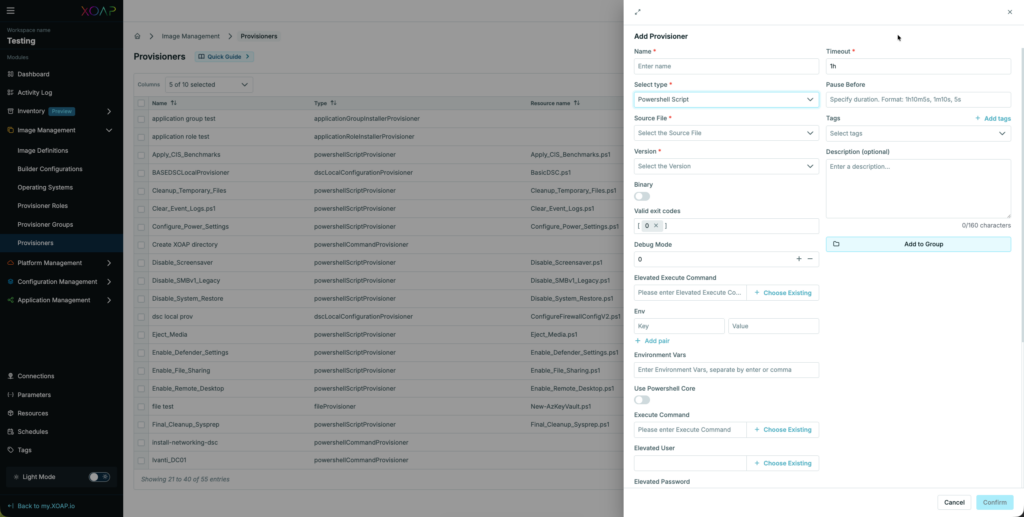
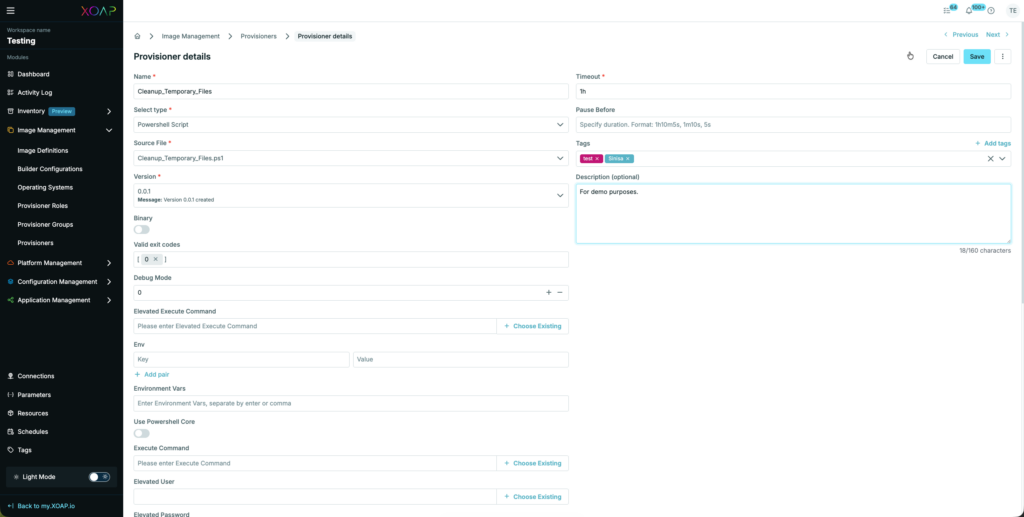
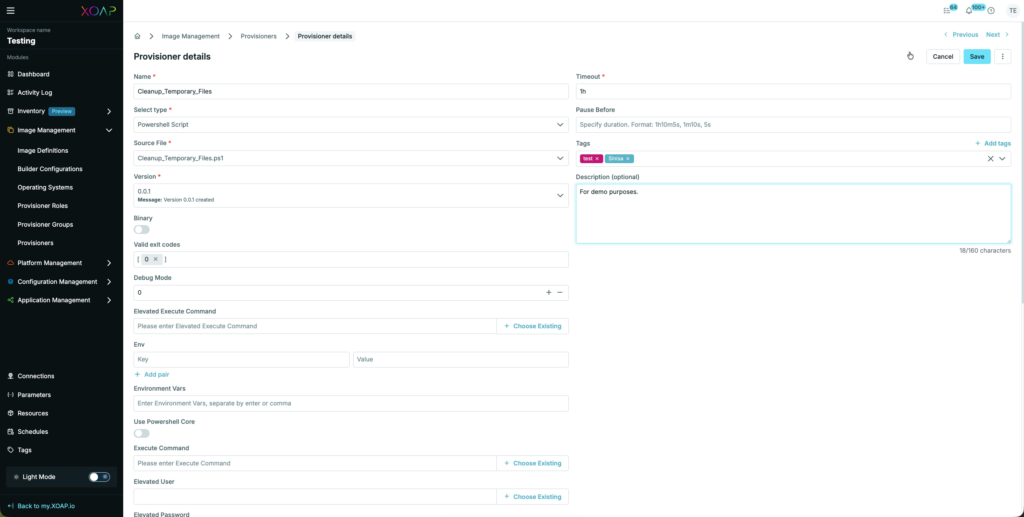
NEW – Provisioners overview and details #
Gain visibility into configured provisioners and inspect their configuration and status.
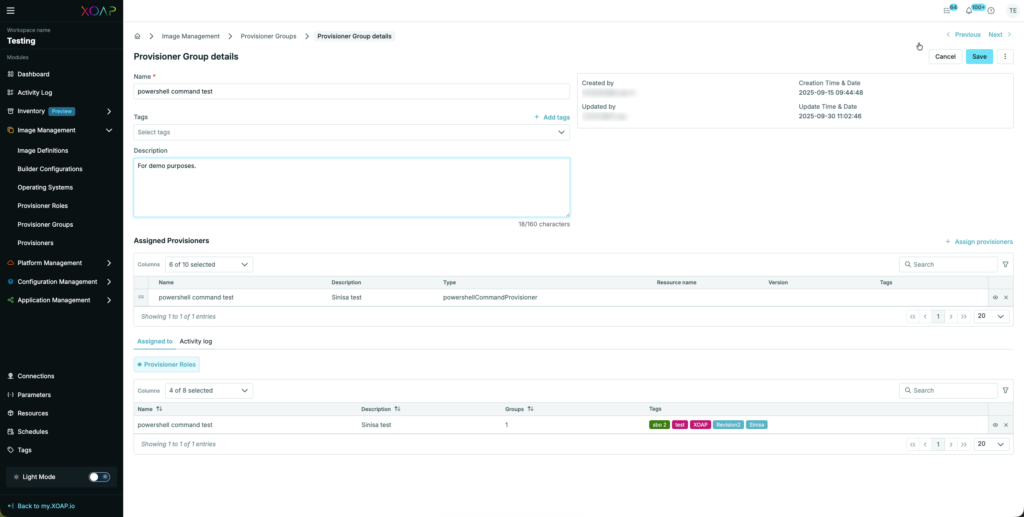
NEW – Provisioners Groups overview and details #
Organize provisioners into logical groups to better reflect environments or responsibilities.
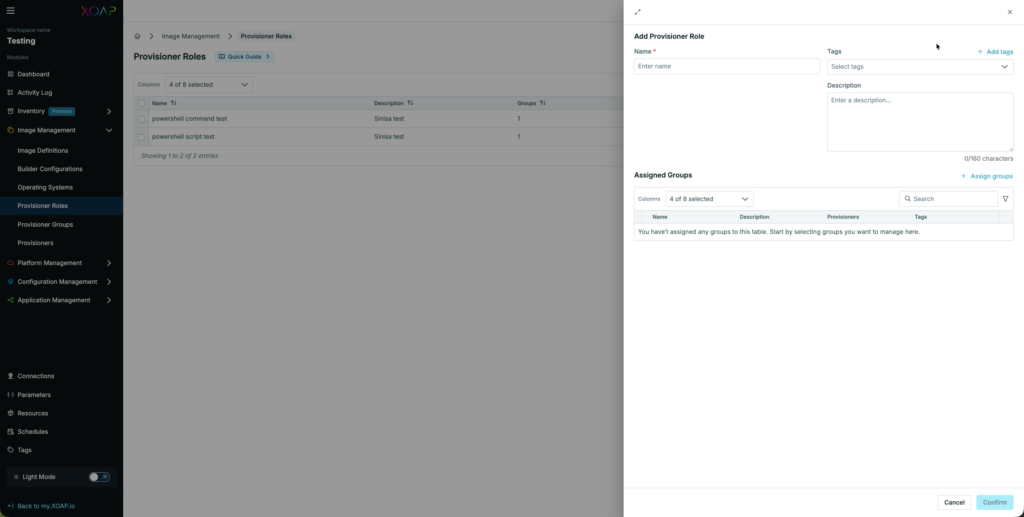
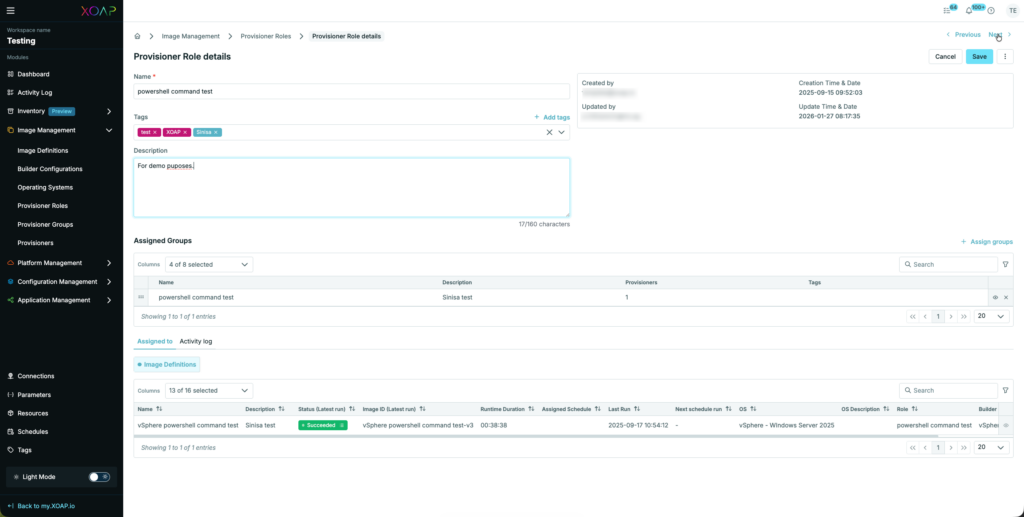
NEW – Provisioners Roles overview and details #
Clearly define and review provisioning roles to support structured and secure execution models.
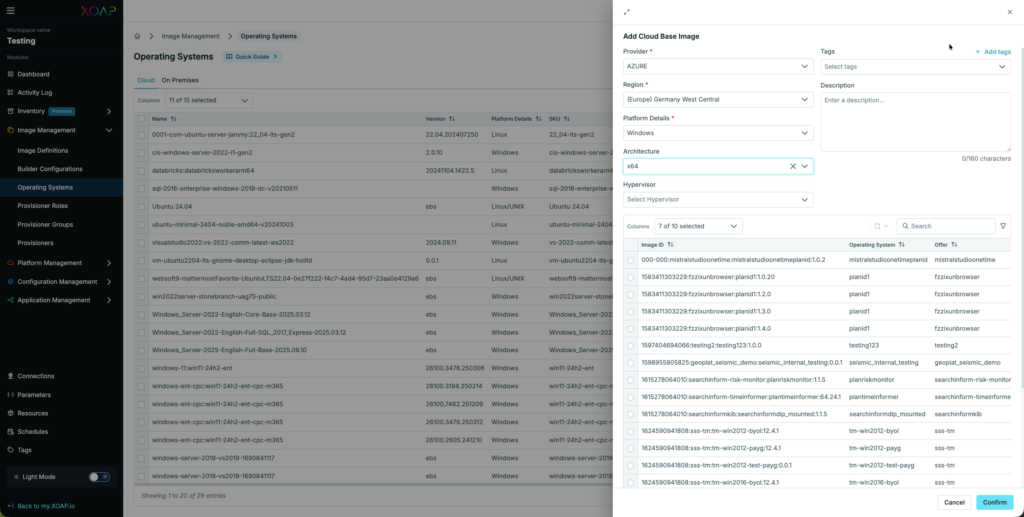
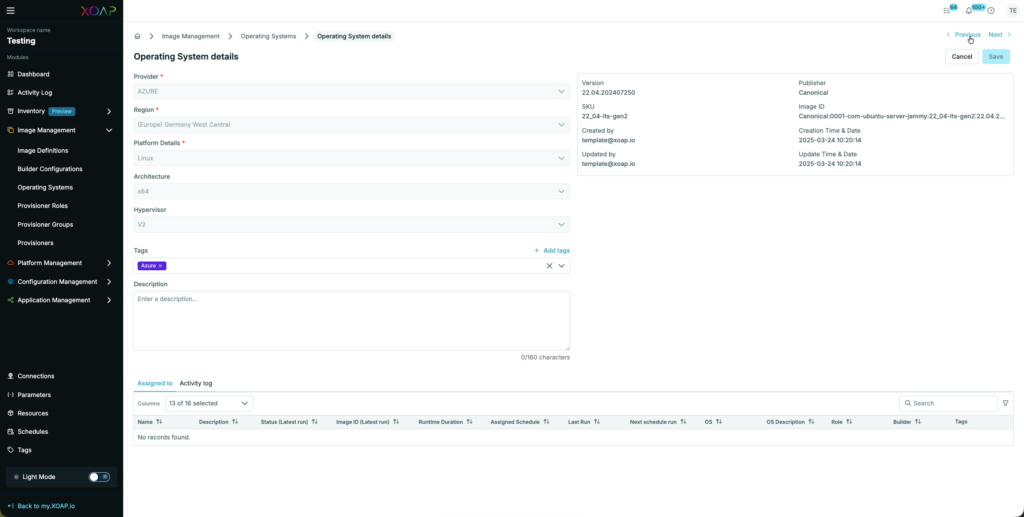
NEW – Operating Systems overview and details #
Centralized visibility and management of supported operating systems used across image and provisioning workflows.
Documentation slide-outs #
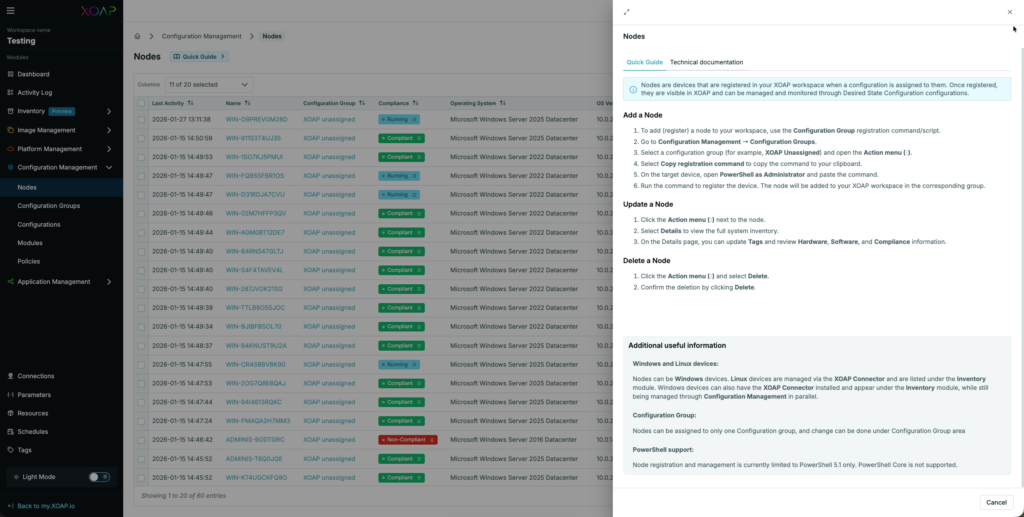
The documentation experience has been redesigned to improve accessibility and usability.
Documentation is now structured into:
- Quick Guide – for fast, task-oriented help
- Technical Documentation – for deeper, implementation-focused guidance
This allows users to quickly find the level of detail they need.
Tags #
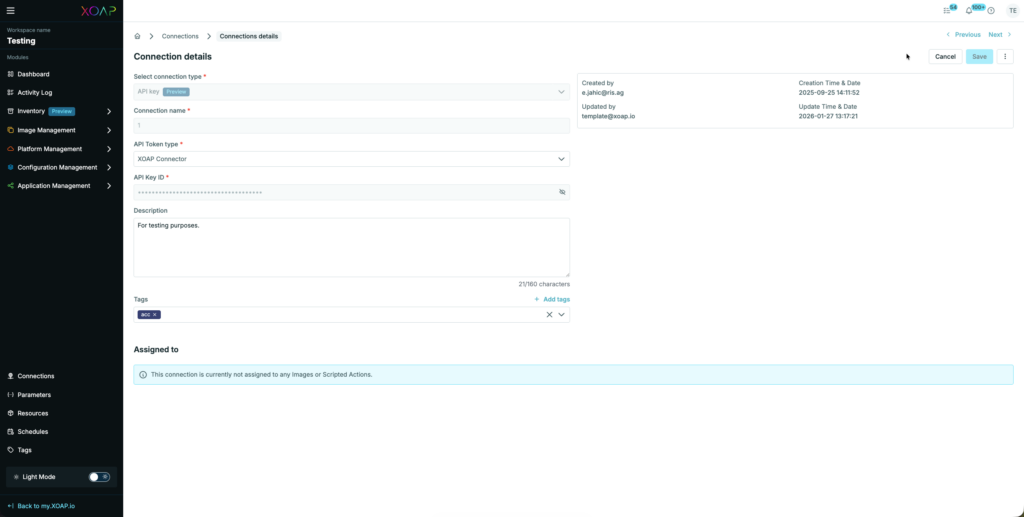
Tag handling has been refined to make metadata management faster and more intuitive.
Inline Tag removal #
Tags can now be removed directly within tag input fields without additional actions.
Inventory #
Inventory management has been extended to support more flexible onboarding scenarios.
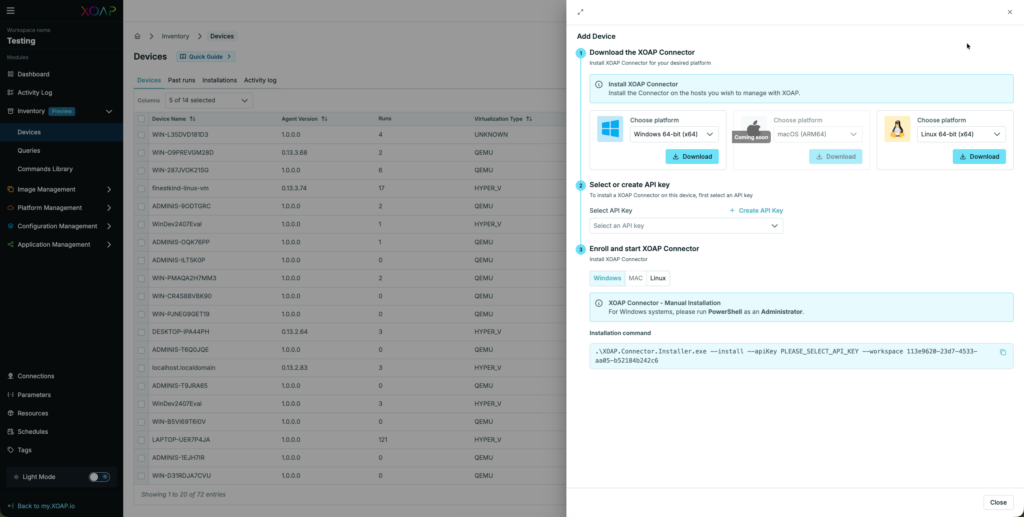
Add Device #
Devices can now be manually added to the inventory, enabling better alignment with existing environments.
XOAP Connector #
Installer and Connector #
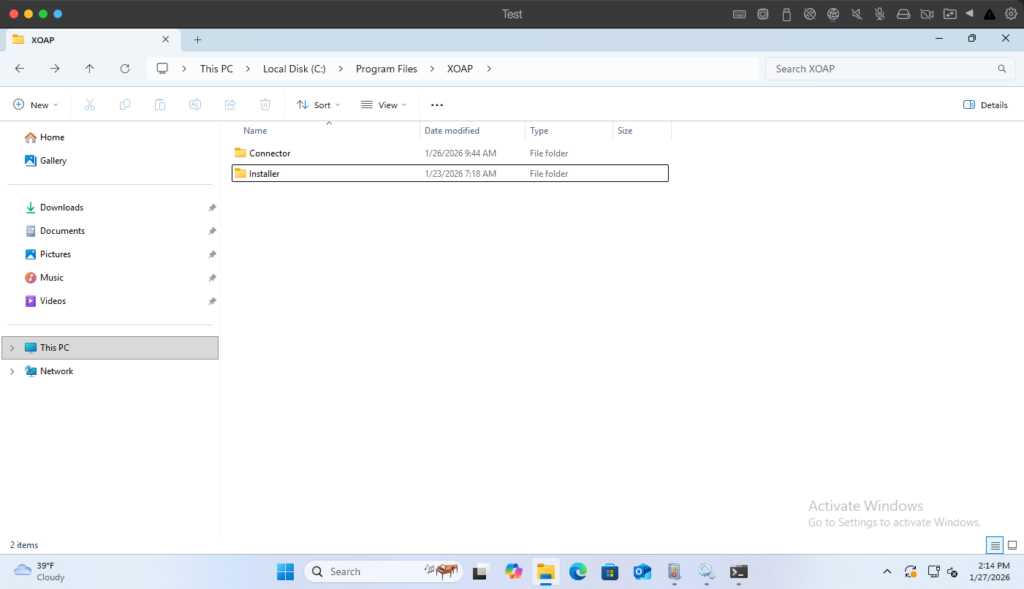
The XOAP Connector has been split into two components to:
- Improve update handling
- Clearly separate installation and runtime responsibilities
Default installation path on Windows:
C:\Program Files\XOAP
Command-line parameters #
The installer now provides a built-in help function to discover supported command-line parameters.
PS C:\Program Files\XOAP\Installer> .\XOAP.Connector.Installer.exe --help
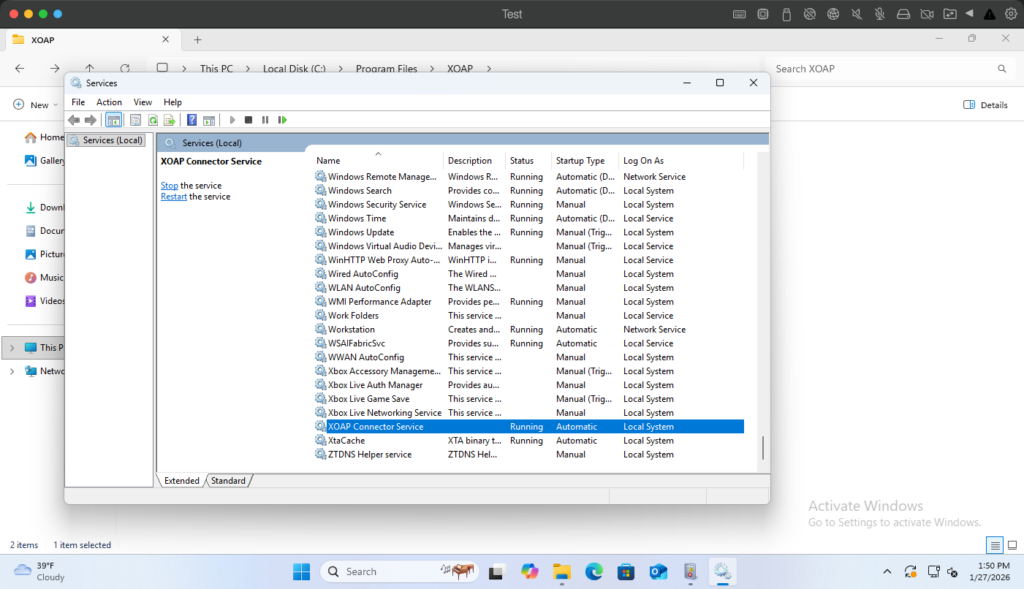
Windows Service #
The XOAP Connector for Windows now runs as a native Windows Service, improving reliability and manageability.
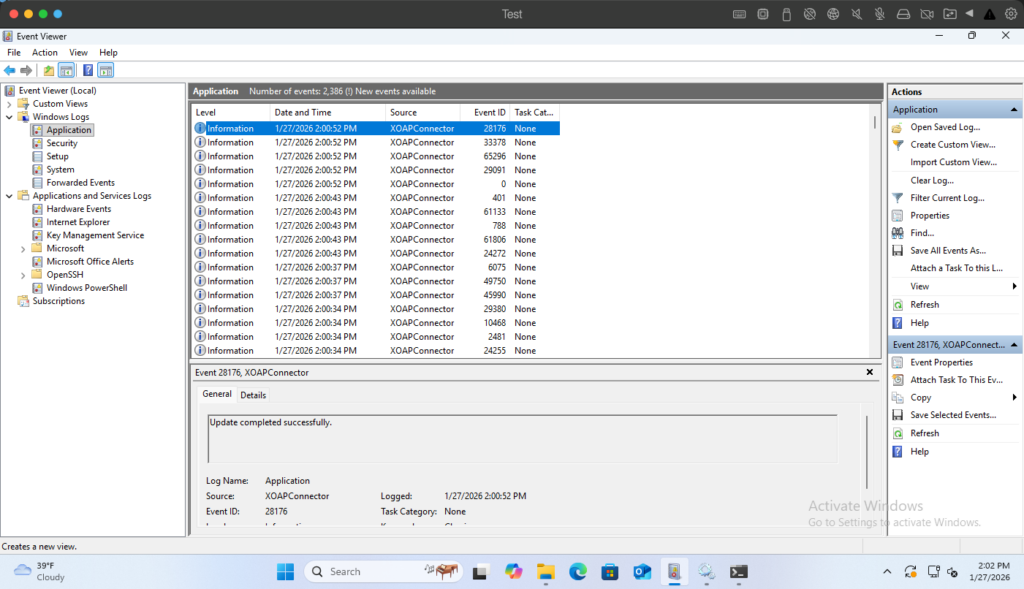
Event log integration #
The XOAP Connector for Windows now writes operational logs directly to the Windows Event Log, enabling easier troubleshooting and monitoring.
Additional log files and temporary files for Image Definition runs are stored in:
C:\ProgramData\XOAP
Updating the Connector #
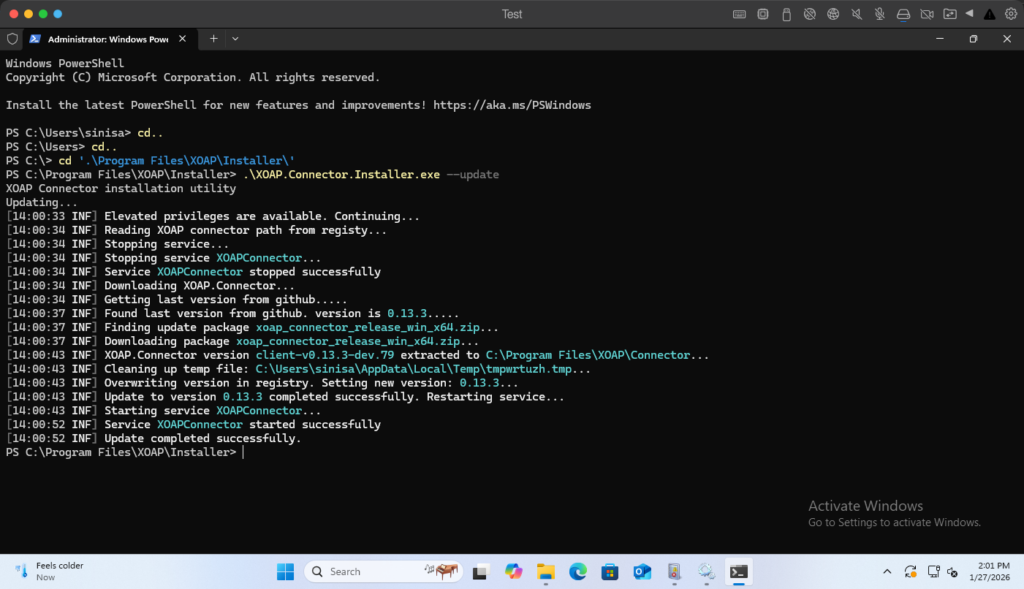
The XOAP Connector can now be updated in place using the installer.
PS C:\Program Files\XOAP\Installer> .\XOAP.Connector.Installer.exe --update
This updates the installer and connector components to the latest available version.
Proxy configuration #
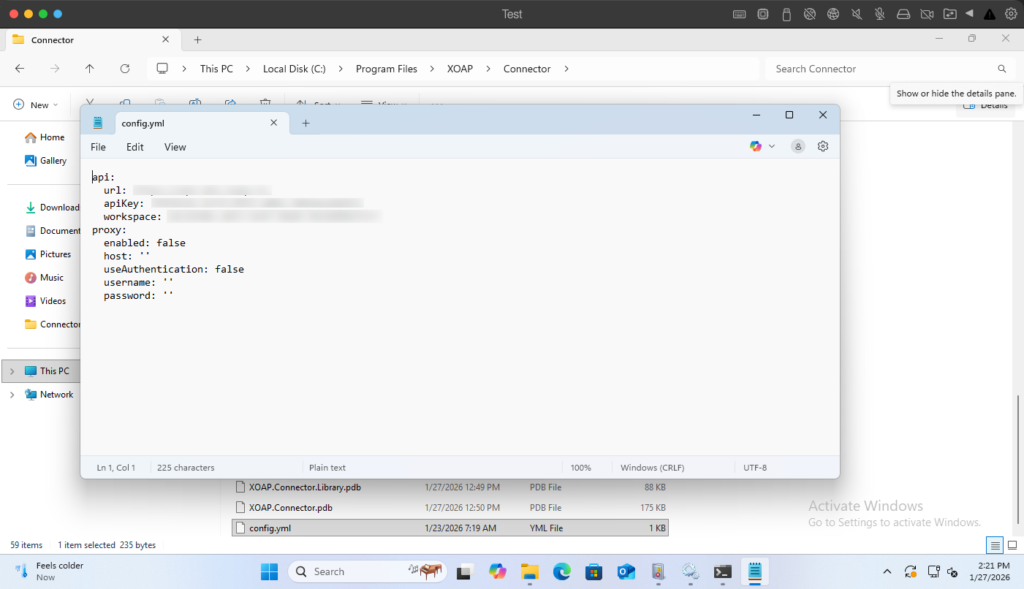
Proxy settings for the XOAP Connector can be centrally configured using the following file:
C:\Program Files\XOAP\Connector\config.yml