
Automate & standardize
Windows 11 migration
From application compatibility and system configuration checks to image preparation, OS deployment and post-migration clean-up.
No credit card required
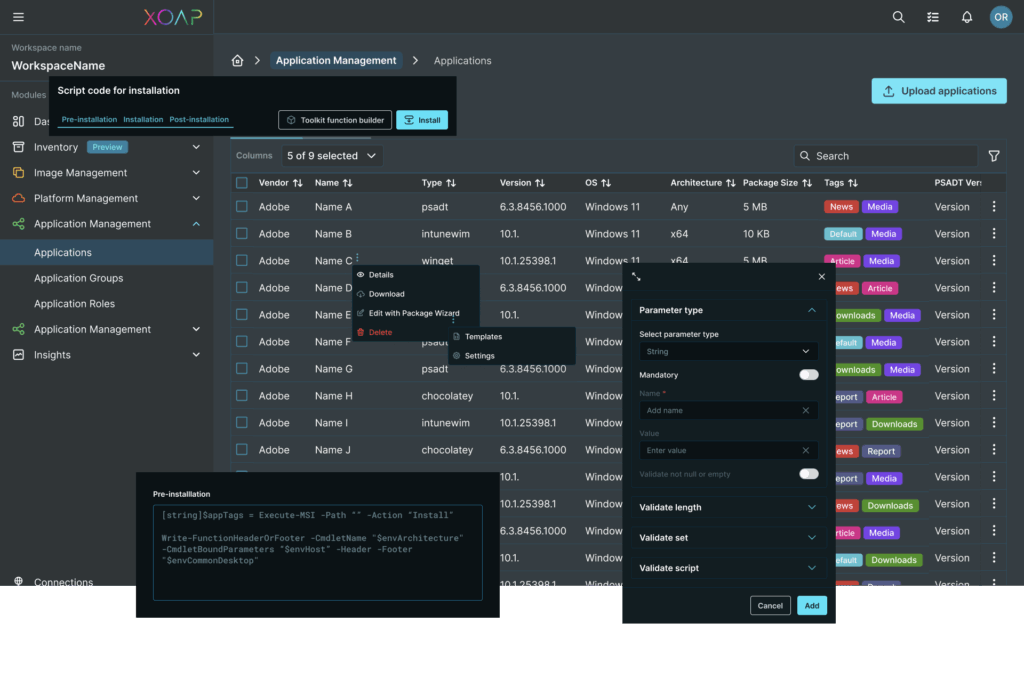
EMPOWERED BY A STRONG ECOSYSTEM


How it works
Migrate to Windows 11 without manual work, whether you’re managing dozens or thousands of devices.
Legacy client management
Go beyond OPSI, Baramundi and other classics. XOAP removes manual workflows and silos with client management that spans desktops, servers and hybrid IT. Manage all endpoints consistently, integrate with existing systems and scale securely from one control plane.
Intune alternative
Need straightforward workflows and more flexibility? XOAP delivers multi‑tenant support, legacy system integration and infrastructure‑as‑code for client management. Operate and scale complex environments efficiently, whether they run in the cloud or on premises.
MDT replacement
MDT is end‑of‑life. XOAP replaces it with automated client management built for hybrid environments. Step into the future with version‑controlled configurations, integrated compliance and repeatable provisioning.
A future-proof Windows OS rollout
Choose the simple way now and enjoy effortless Windows updates any time.
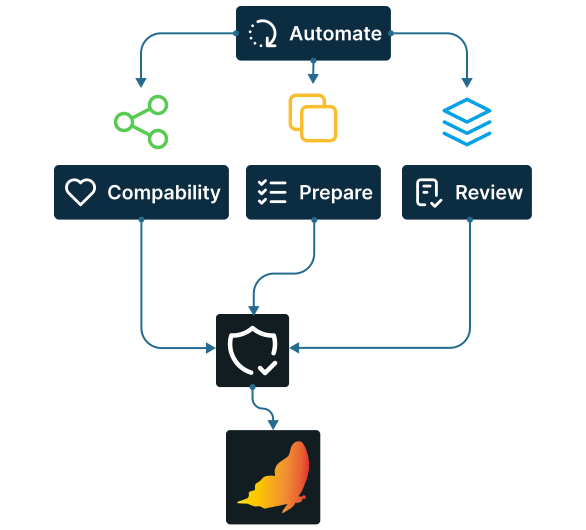
Pre-migration checks
Automate readiness checks, test application compatibility, prepare images, review configurations and apply security baselines without manual work, all from a single platform.
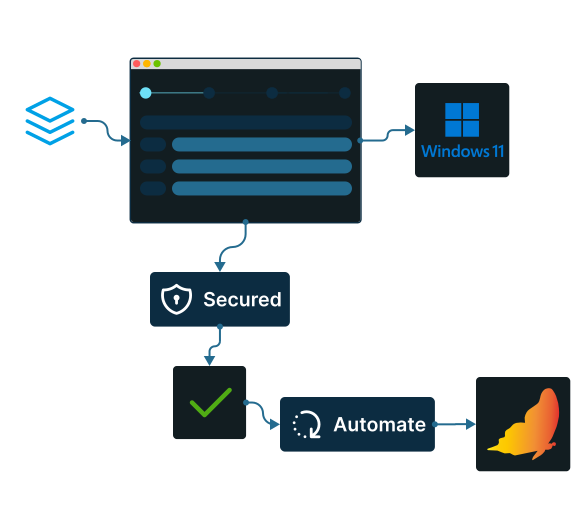
Windows 11 deployment
Configure your migration in four simple steps and let XOAP handle the rest. All devices are updated and secured automatically in no time.
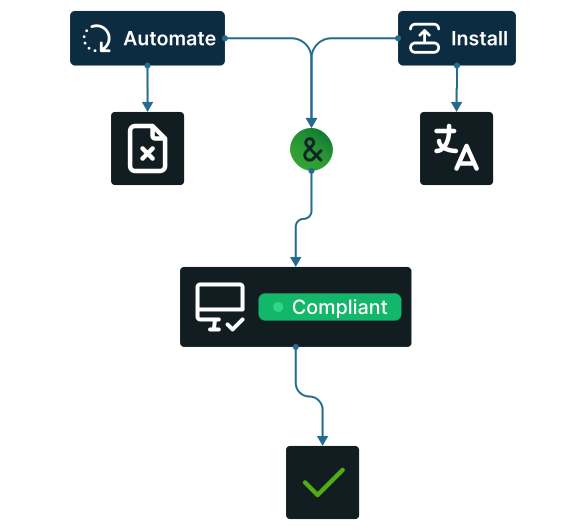
Post-migration clean-up
Automate temporary files removal, install missing language packs and manage compliance anywhere to improve your migration strategy without hassle.
How to use XOAP for Windows updates
Configure once, deploy anywhere.
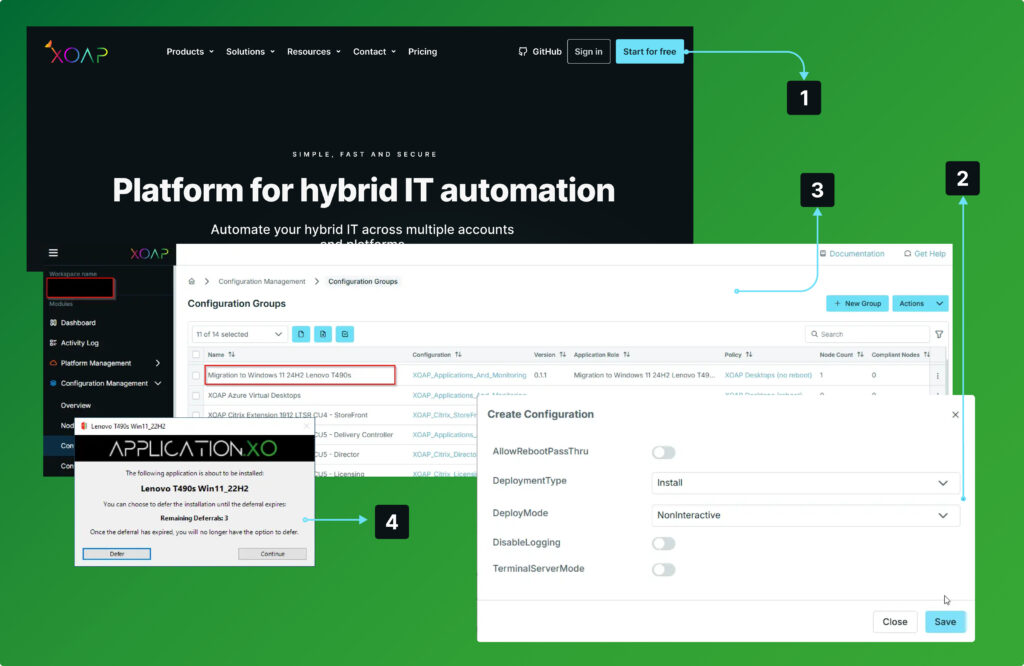
Login
to your XOAP Workspace.
Create
ISO file and hardware driver packages.
Deploy
packages to your Windows 10 endpoint and run the upgrade process.
Verify
installation and upgrade to Windows 11 from an unified management console.
Windows 11 migration made simple
Explore our platform at your own pace. Claim your free account below and see how it works.
Smarter OS updates at any scale
Automate key tasks and ensure fast, secure and reliable updates – regardless of company size.
Smarter deployments
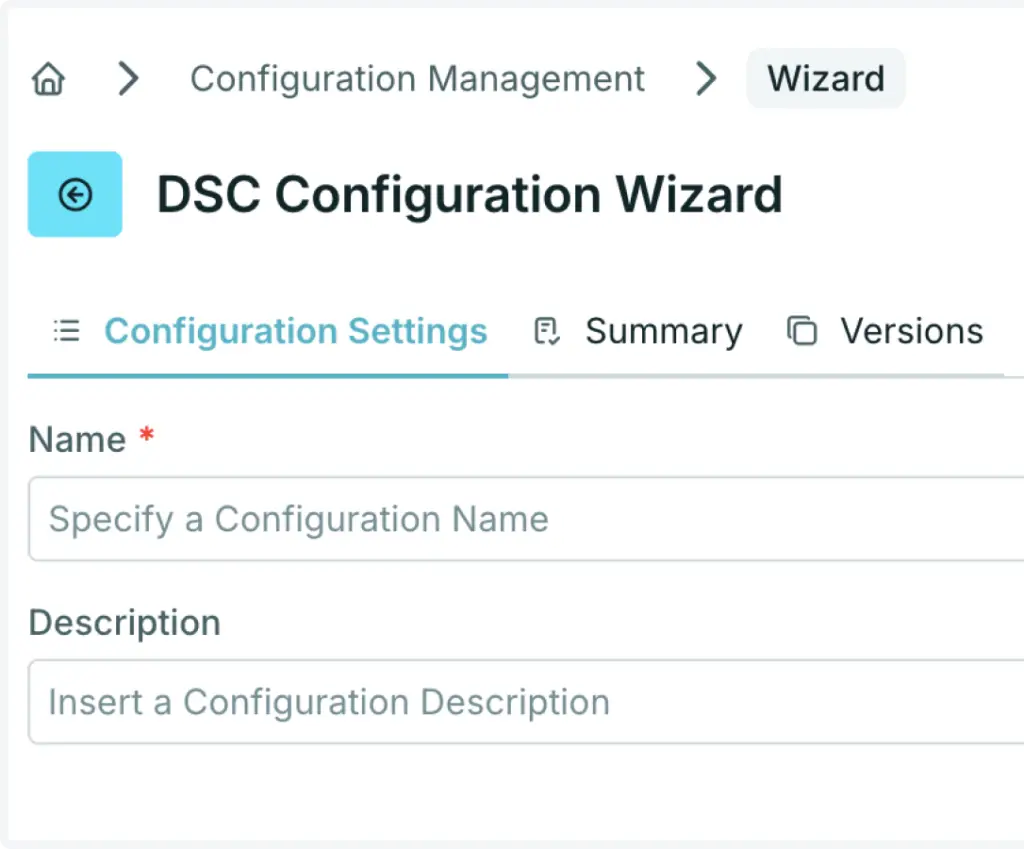
Desired State Configuration
Use PowerShell DSC configurations.
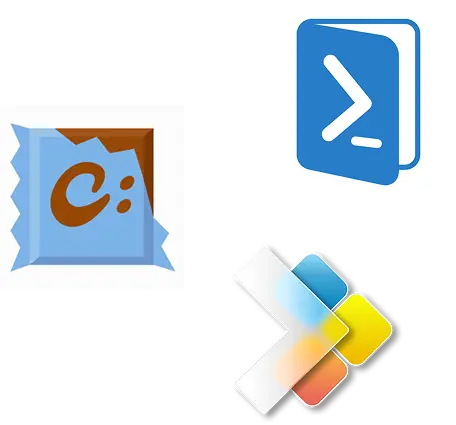
Installer technologies
Get fast, reliable software deployment, updates and uninstalls. Fully supported with common installers like WinGet and Chocolatey.
Third-party integration
Quickly deploy Citrix, uberAgent, deviceTRUST and FSLogix to improve security and user experience with ready-to-use templates.
API & extensions
Access components through our API and automate your entire infrastructure and services.
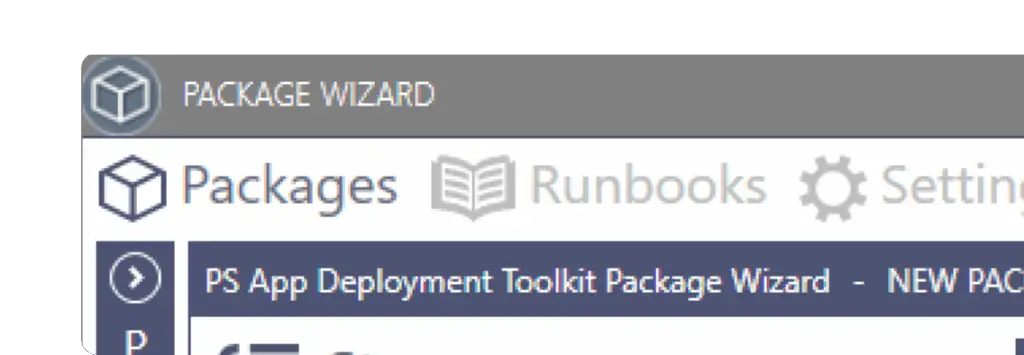
Free PSADT Package Wizard
Create PSADT packages in a few clicks with no code at all. Standardized, versioned and documented. Available for free download from your XOAP dashboard.
Automate every layer of your infrastructure
From image build pipelines to system configuration and application deployment, automate processes across environments, platforms and accounts.
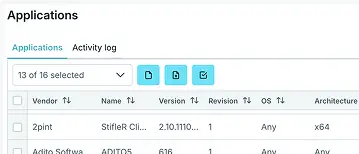
Application Management
Software and application packaging, deployment and management.
Configuration Management
Windows System and configuration management across environments.
Image Management
Customized machine image build pipelines for multiple platforms and accounts.
Platform Management
Automating infrastructure and workplace across platforms and subscriptions.