
CIS-ready AWS accounts available instantly
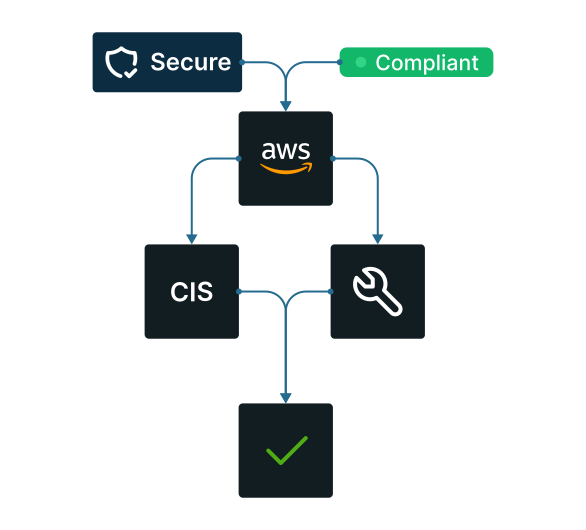
Secure every new AWS account the moment you connect it. Apply CIS benchmarks automatically with zero manual effort. Enforce consistent, scalable cloud security from day one.
No credit card required
EMPOWERED BY A STRONG ECOSYSTEM


See it in action
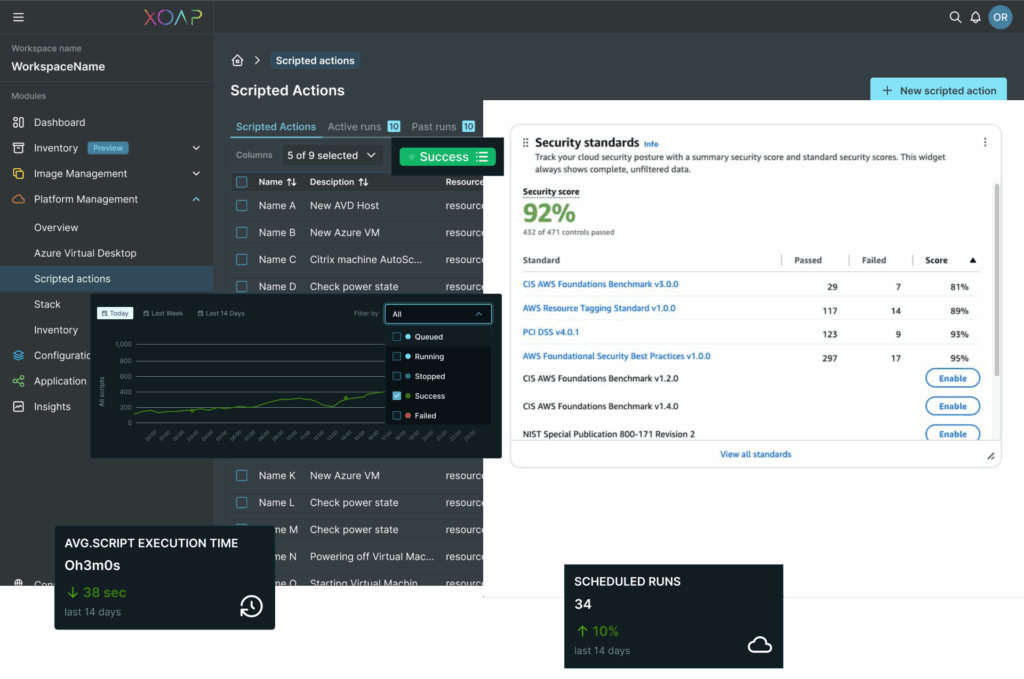
XOAP automates hardening, verification and reporting so your team can ship fast without sacrificing security.
Secure AWS accounts automatically
Reach and maintain the CIS AWS Foundations baseline across every account – in minutes.
Start securely from the first connection
As soon as a new AWS account is connected to XOAP, it’s ready to be hardened. You don’t need to pre-configure anything – the setup is clean and simple.
Run once, apply CIS hardening automatically
The XOAP script takes care of the hardening process. Just run it inside XOAP after connecting your account – no external tools, no extra steps.
No custom code needed
You don’t need to write scripts, manage modules or follow hardening checklists. XOAP handles the logic and applies the settings directly through the script.
Repeatable for every AWS account
Same process every time: connect the account, run the action. Consistent guardrails make onboarding fast and reliable.
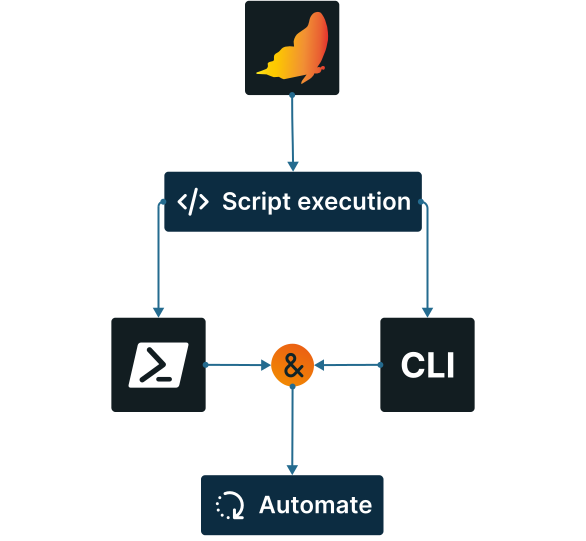
How AWS automation works
Complete AWS management, all in one place.
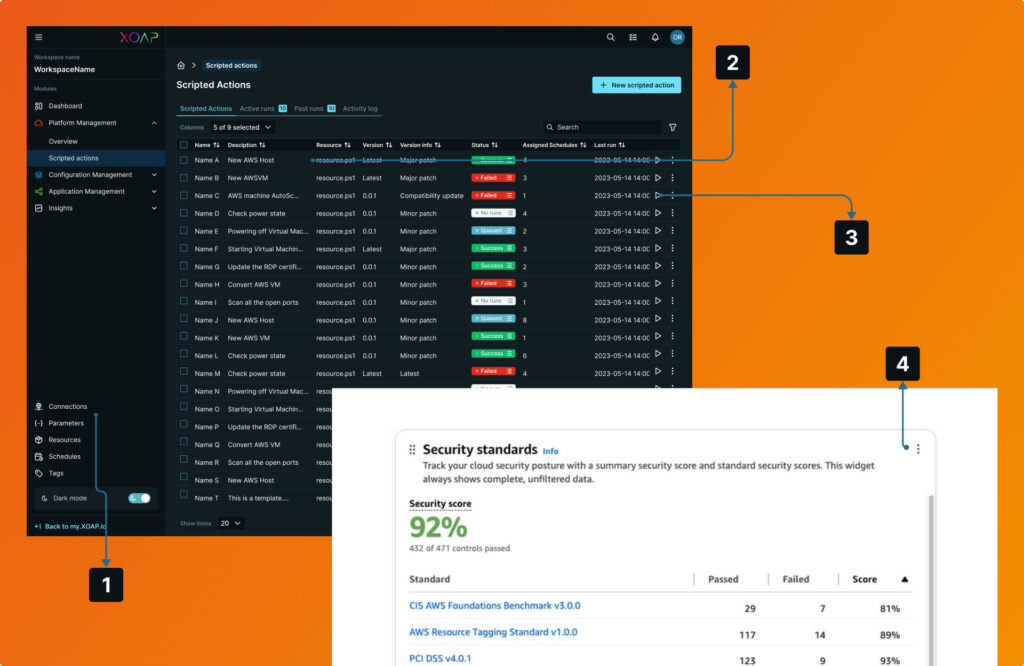
Connect your AWS account
by going to Connections and adding AWS. Configure necessary settings accordingly.
Select your Scripted Action
Scripted Actions → New and select Resource: aws-ps-account-hardening.ps1. Review defaults and save.
Run the script
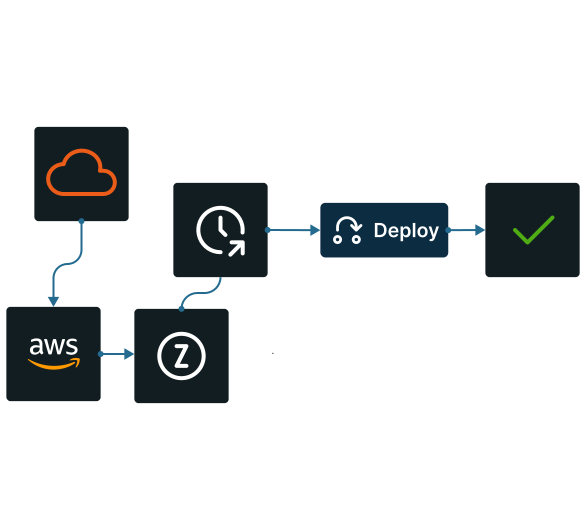
instantly if you need immediate execution or schedule it to run automatically at a desired time.
Start using AWS
with a full CIS hardening profile applied automatically. Your account is now ready for production.
- CloudTrail: Multi‑region, log file validation, KMS‑encrypted, optional object‑level data events
- AWS Config: Recorder + delivery across chosen regions
- Security Hub: Enabled per region; CIS standard subscribed for continuous checks
- GuardDuty: Detectors on and managed
- S3: Account‑level Block Public Access; bucket policies enforce SSL‑only
- EC2/EBS: Default encryption with customer‑managed keys
- VPC: Flow Logs across VPCs; optional admin‑port tightening
- IAM: Account password policy; optional MFA enforcement policy for console access
Secure AWS accounts automatically
Explore our platform at your own pace. Claim your free account below and see how it works.
Smart automation for AWS at scale
Automate complex AWS tasks, reduce manual overhead and manage all accounts from a single UI – without vendor lock-in.
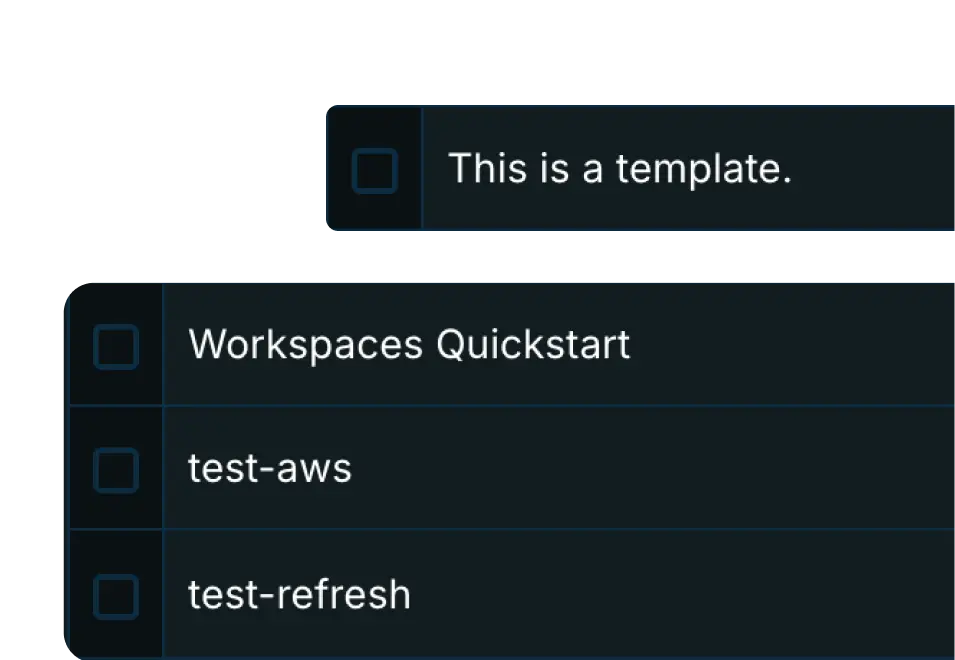
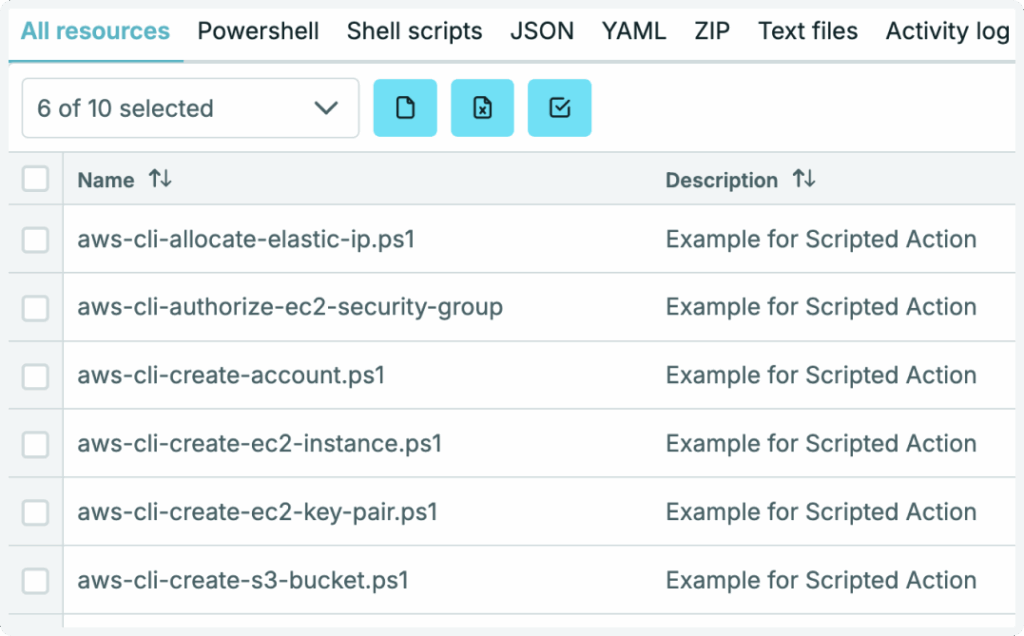
Scripted actions templates
Use our prebuilt templates – a wide range that you can easily customize to fit your needs.
Scheduling
Choose a script, assign a schedule and everything will run automatically. All schedules are clearly visible for monitoring.

Multi AWS account deployment
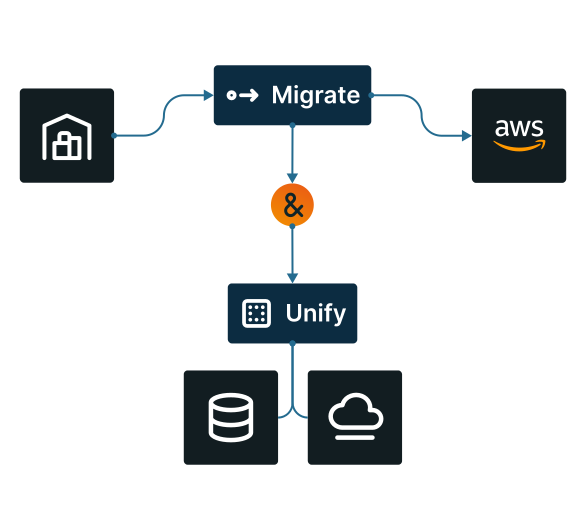
Deploy at scale to any number of AWS accounts, all from one dashboard.

Automation, your way
You define what to automate; we provide the tools to make it happen your way.
On-premises control
Run workloads on platforms like VMware, Nutanix or Hyper-V with full control.
API & extensions
Access components through our API and automate your entire infrastructure and services.

Automate every layer of your infrastructure
From image build pipelines to system configuration and application deployment, automate processes across environments, platforms and accounts.
Application Management
Software and application packaging, deployment and management.
Configuration Management
Windows System and configuration management across environments.
Image Management
Customized machine image build pipelines for multiple platforms and accounts.
Platform Management
Automating infrastructure and workplace across platforms and subscriptions.