
Agent for secure system automation
Automate tasks, transfer files securely and monitor systems – all with Connector, an agent for Windows, macOS and Linux that connects directly to your XOAP backend.
No credit card required
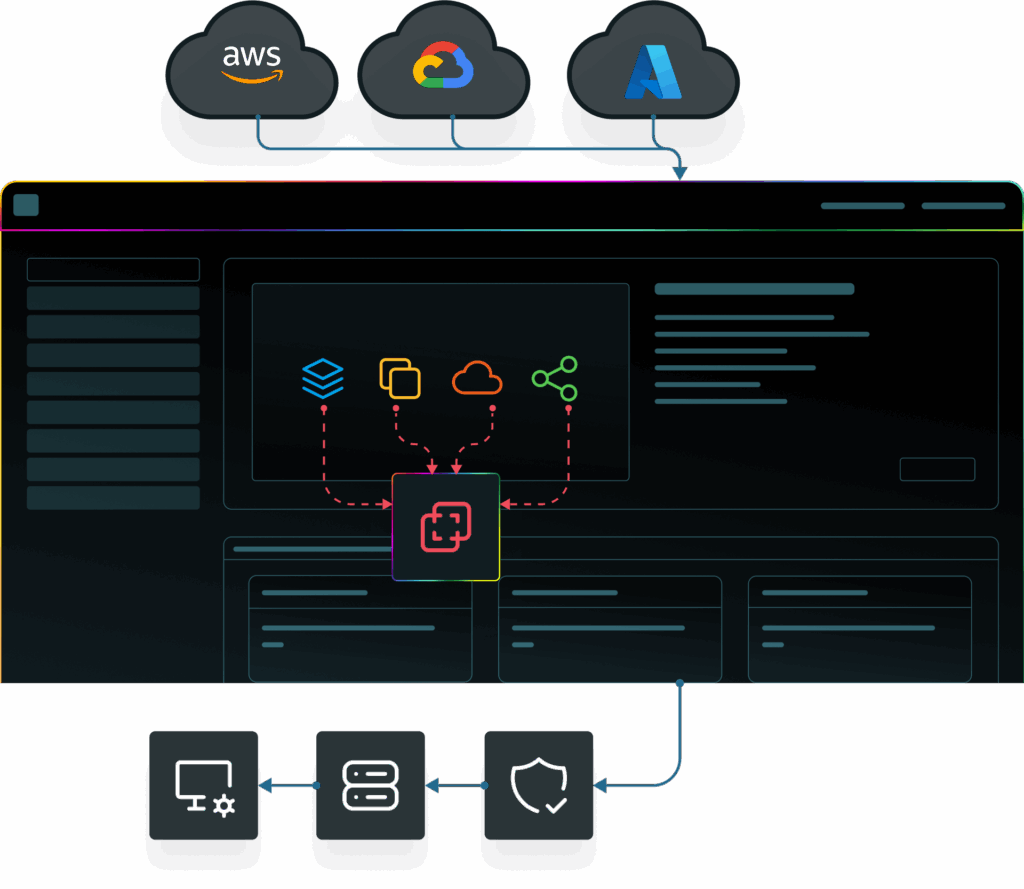
EMPOWERED BY A STRONG ECOSYSTEM


All about XOAP Connector
Enable centralized management of distributed systems to handle hybrid IT infrastructure effectively.
Automate, secure & monitor hybrid environments
Connector makes managing all your systems simple, helps you set up new machines fast with custom images and keeps your data secure – even when you’re behind strict network restrictions.
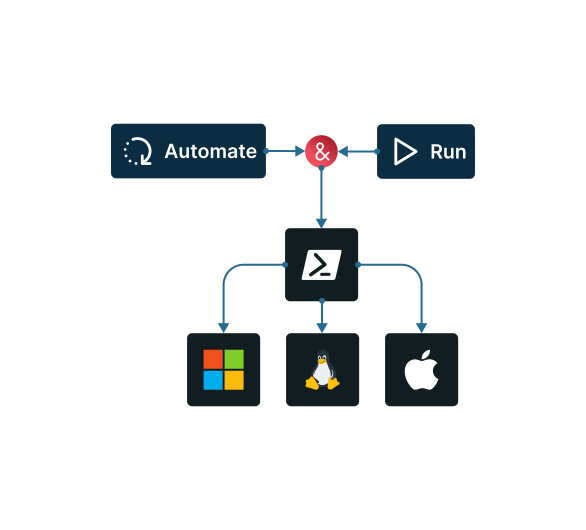
Universal task execution
Automate your workflows across any OS. Run PowerShell on Windows, linux and Mac, Bash or Shell on Linux/macOS to execute tasks at scale, from simple commands to complex scripts.
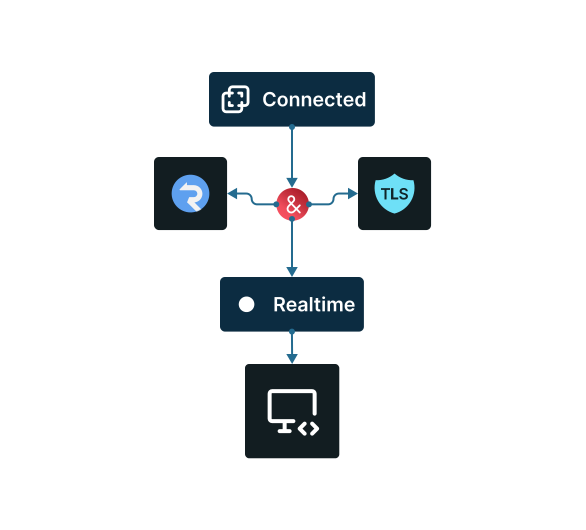
Real-time, encrypted communication
Stay connected even in restricted networks. Connector uses SignalR WebSockets and TLS encryption to maintain secure, real-time communication with your backend systems. Proxy support included.
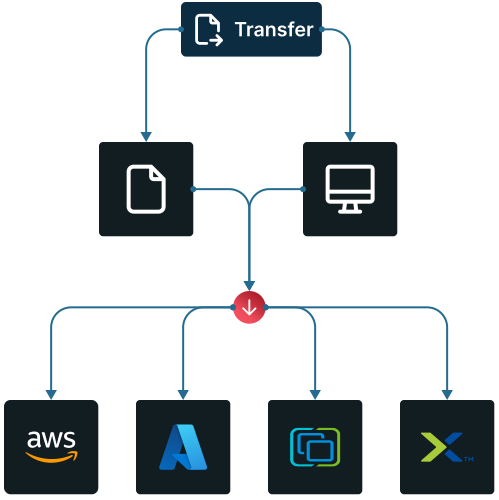
Secure file transfer & OS imaging
Move data safely and spin up systems faster. Transfer large files securely and build cross-platform OS images (supporting AWS, Azure, vSphere, Nutanix – more options on the way).
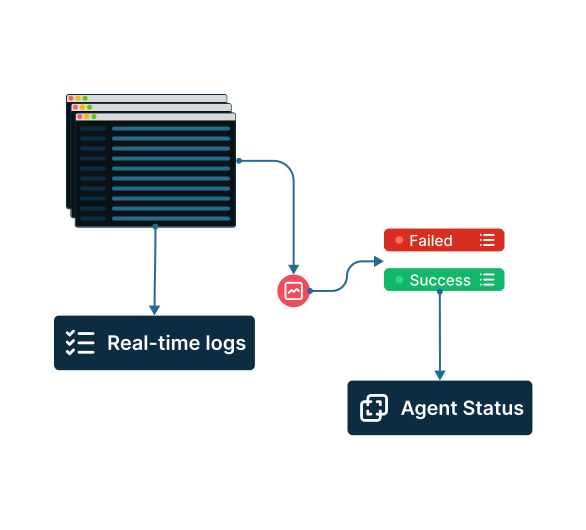
Live monitoring & centralized logging
Available soon: Get instant visibility into your operations. Stream real-time logs, track performance metrics and monitor agent status – all from a single, easy-to-navigate interface.
How to use XOAP Connector
Quick step-by-step guide to get you started.
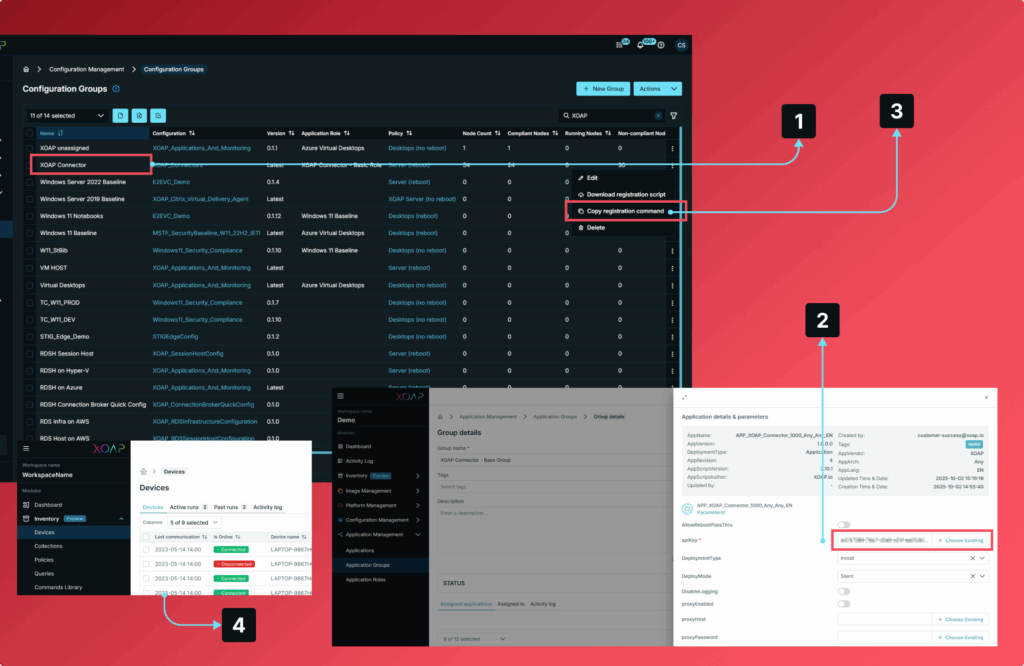
Create
Generate your API key in XOAP.
Configure
Adjust your settings and save your connector.
Install
Deploy the connector (agent) on your VM using your API key.
Launch
Start automating and syncing instantly.
Manage all environments
from one place
Explore our platform at your own pace. Claim your free account below and see how it works.
Full support for diverse operational needs
Connector acts as a bridge between XOAP and the machines you manage – automating tasks and keeping everything connected across any environment.
Machine build templates
Use our pre-made templates for Windows and Linux and customize them for your business. No coding required.
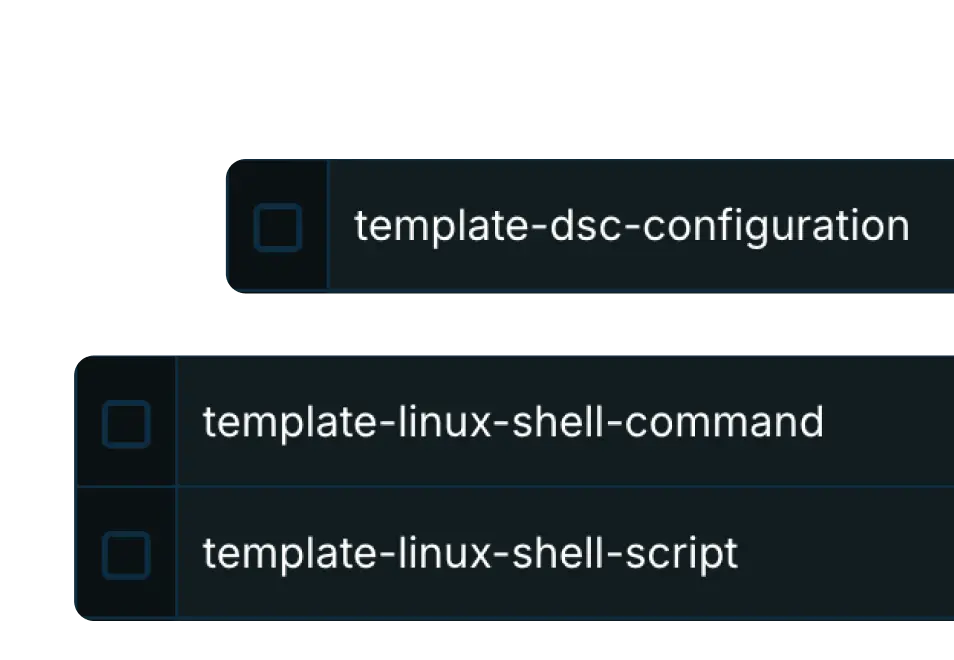
Image automation across clouds
Deploy machine images to VMware, AWS, Azure and GCP. Don’t worry about vendor lock-in.

Application integration
Customize OS builds by installing software with PowerShell PSADT, Chocolatey or WinGet.
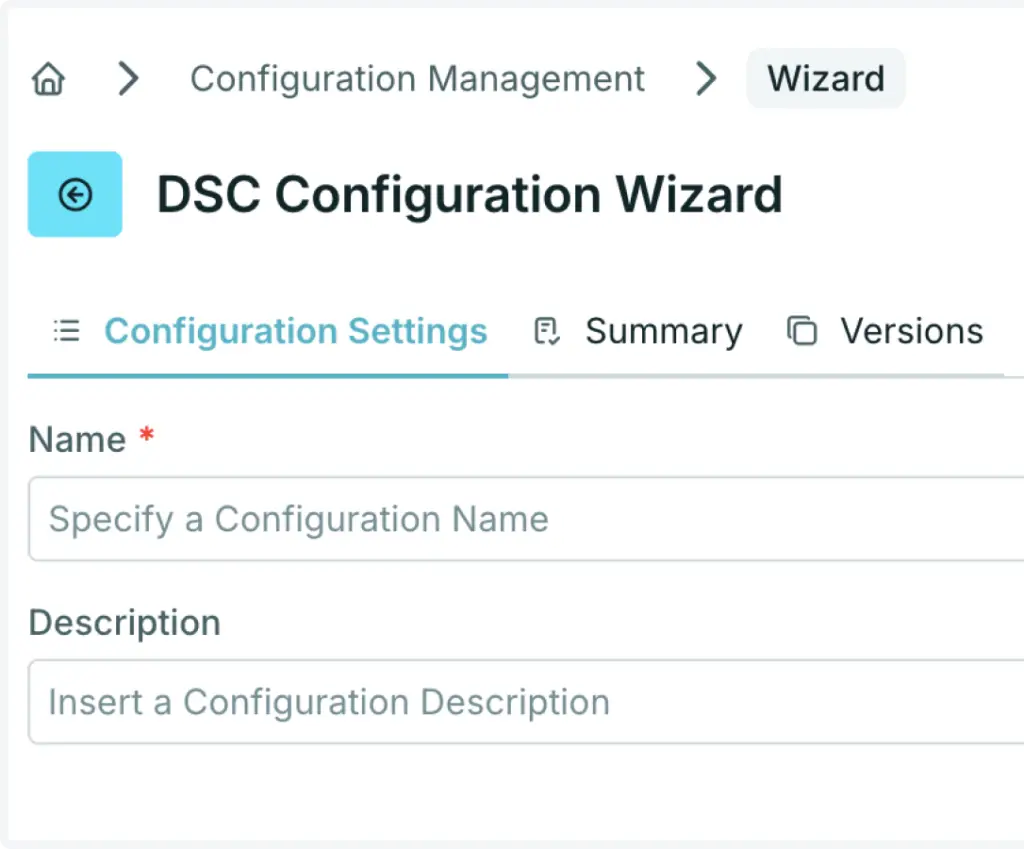
Desired State Configuration
Use PowerShell DSC configurations.
Scripted actions templates
Use our prebuilt templates – a wide range that you can easily customize to fit your needs.
API & extensions
Access components through our API and automate your entire infrastructure and services.

Delivering value to companies worldwide

Simplified system management and configuration
DEG has accelerated global deployment of Windows Client systems with Microsoft Intune in an Azure AD hybrid environment.


Reduced overall costs and administrative activities
With little effort, the State Center for Data Processing – LZfD implements a forward-looking strategy for the flexible migration to the latest version of the Windows operating system, achieving optimized IT service management.

Server automation, standardization and hardening
Deliver and standardize the complete Windows Remote Desktop Service infrastructure. Upgrade, migrate and reduce complexity with XOAP.

Automate every layer of your infrastructure
From image build pipelines to system configuration and application deployment, automate processes across environments, platforms and accounts.
Application Management
Software and application packaging, deployment and management.
Configuration Management
Windows System and configuration management across environments.
Image Management
Customized machine image build pipelines for multiple platforms and accounts.
Platform Management
Automating infrastructure and workplace across platforms and subscriptions.