Managing BIOS settings across a diverse fleet of devices has historically been a headache for IT administrators. Different vendors, different tools, and varying security requirements often lead to fragmented workflows.
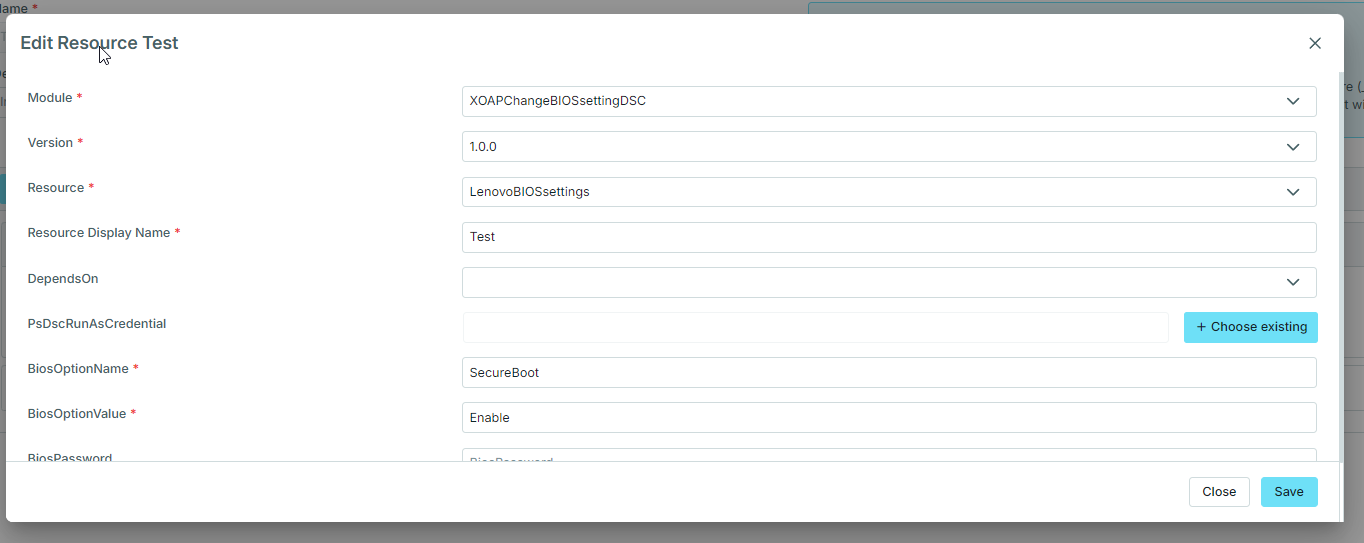
To streamline this process, we are excited to share a new PowerShell DSC (Desired State Configuration) module: XOAPChangeBIOSsettingDSC. This module provides a unified way to manage BIOS configurations on both Dell und Lenovo devices using infrastructure-as-code principles.
Wesentliche Merkmale
- Multi-vendor support: Works seamlessly across Dell and Lenovo hardware.
- Security minded: Fully tested to work with or without BIOS passwords.
- Granular control: Allows for precise setting definitions (e.g., Secure Boot, Wake-on-LAN, etc.).
Important usage notes
To ensure successful deployment, keep these two technical details in mind:
- Case sensitivity: The module is case-sensitive regarding setting names. For example, you must use SecureBoot exactly as defined by the vendor; using secureboot will result in an error.
- Discovery: If you are unsure of the exact naming or possible values for a setting, you can refer to the scripts within the TestScript portion of the DSC Resources. These can be used to read all available values directly from the hardware.
Why DSC for BIOS?
By using DSC, you ensure that your hardware configuration remains in the “Desired State”. If a user or an update manually changes a BIOS setting, DSC will automatically detect the drift and pull the setting back to your defined corporate standard.
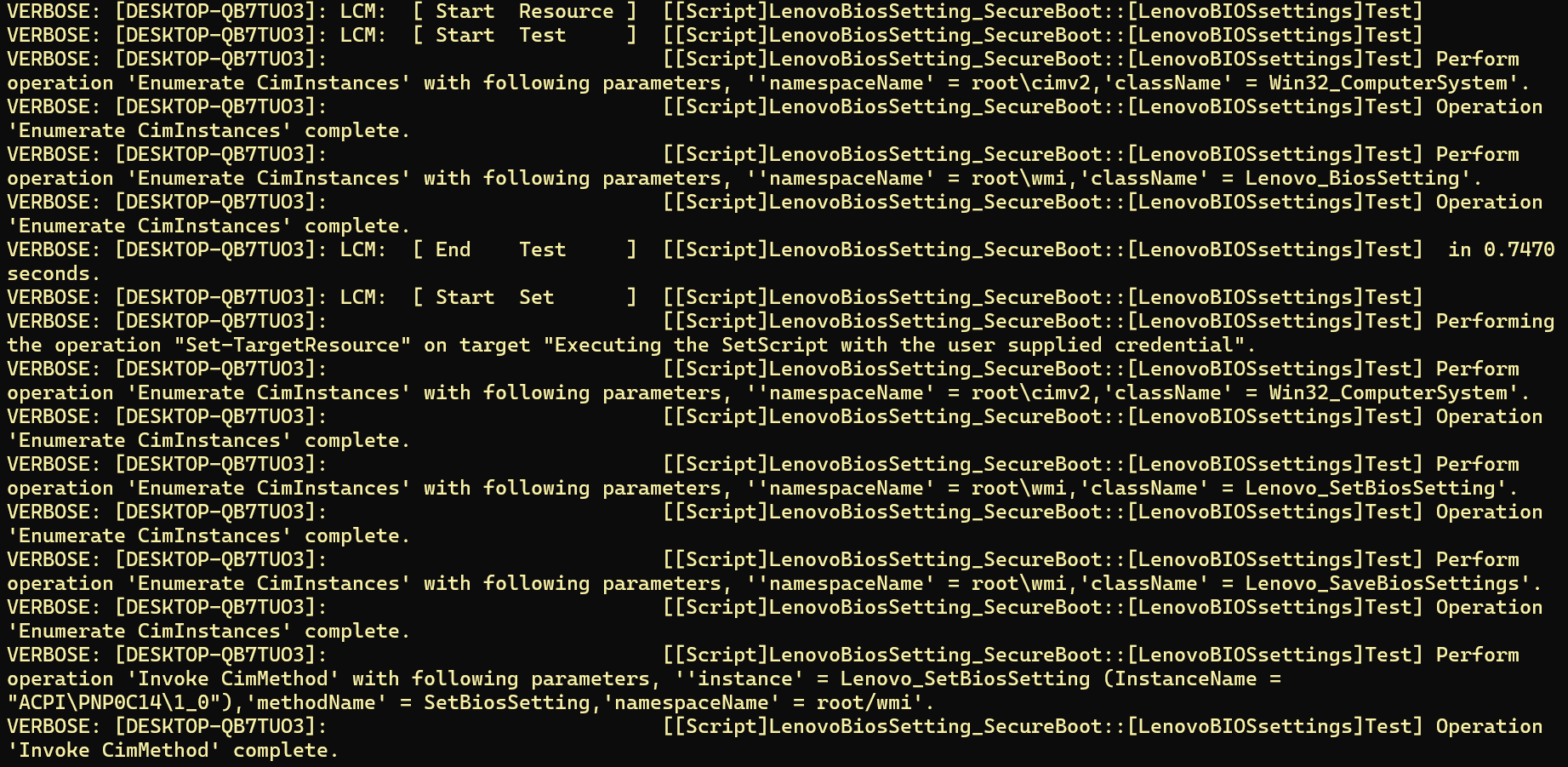

Installation and usage
There are no special prerequisites for this module.
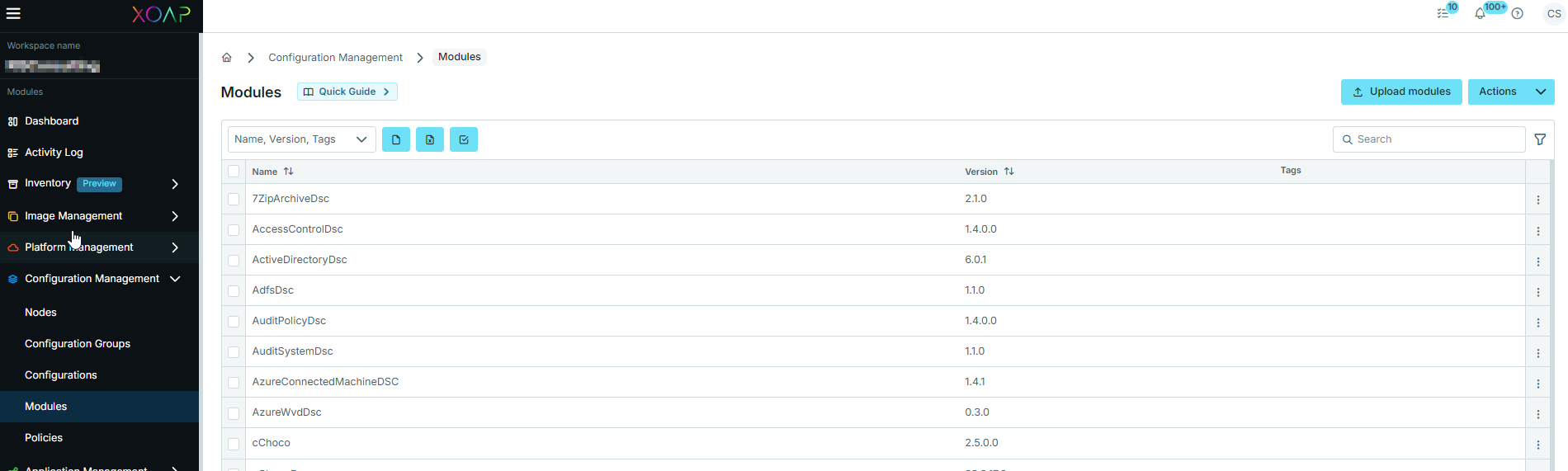
To install the module in XOAP:
- Upload the zipped DSC module to Configuration Management → Modules.
- Once uploaded, the module can be referenced and used in your DSC configuration as needed.
Get the XOAPChangeBIOSsettingDSC module
Simplify BIOS management across your devices. Get free access to the module now and replace manual, error-prone processes with a unified approach.